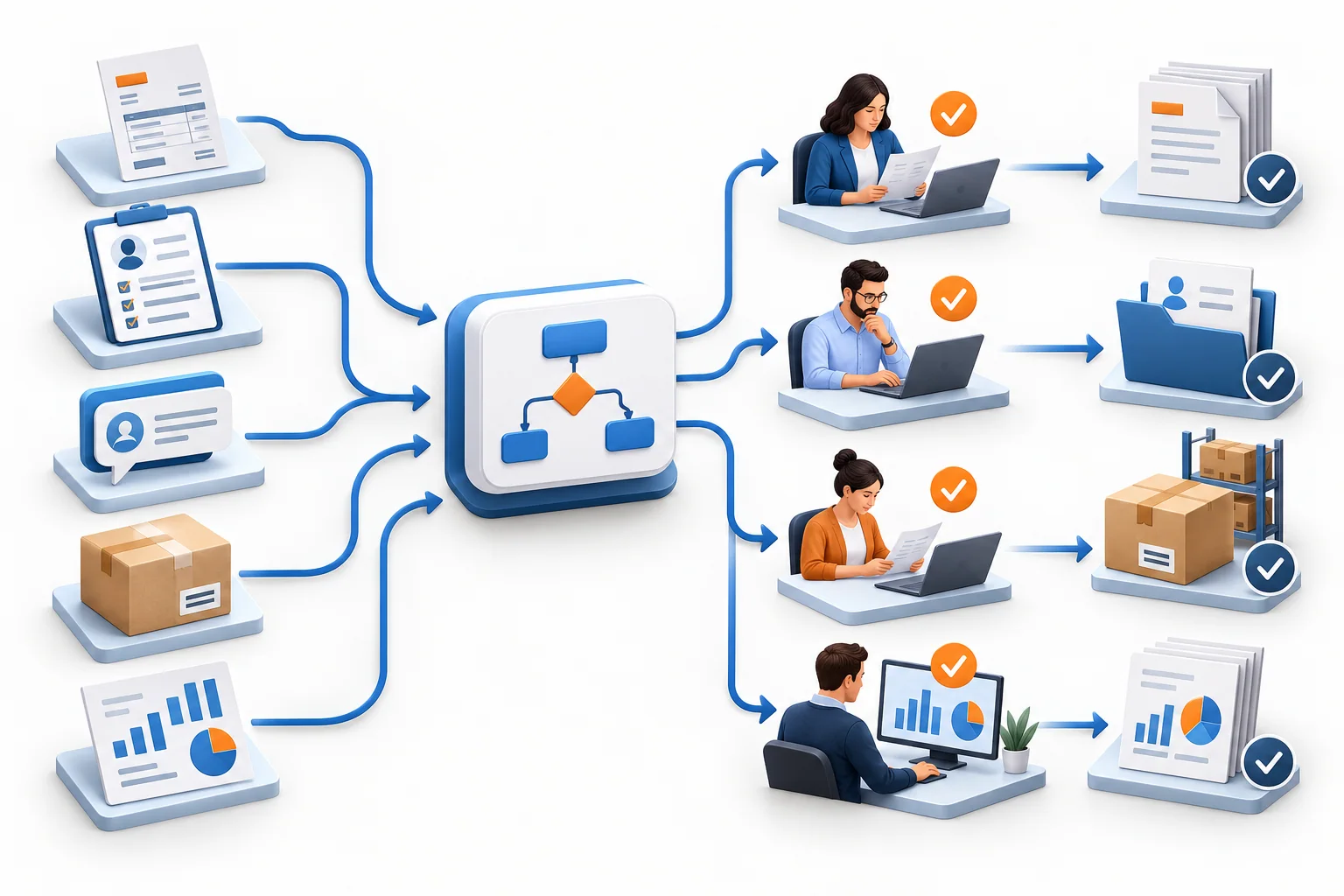

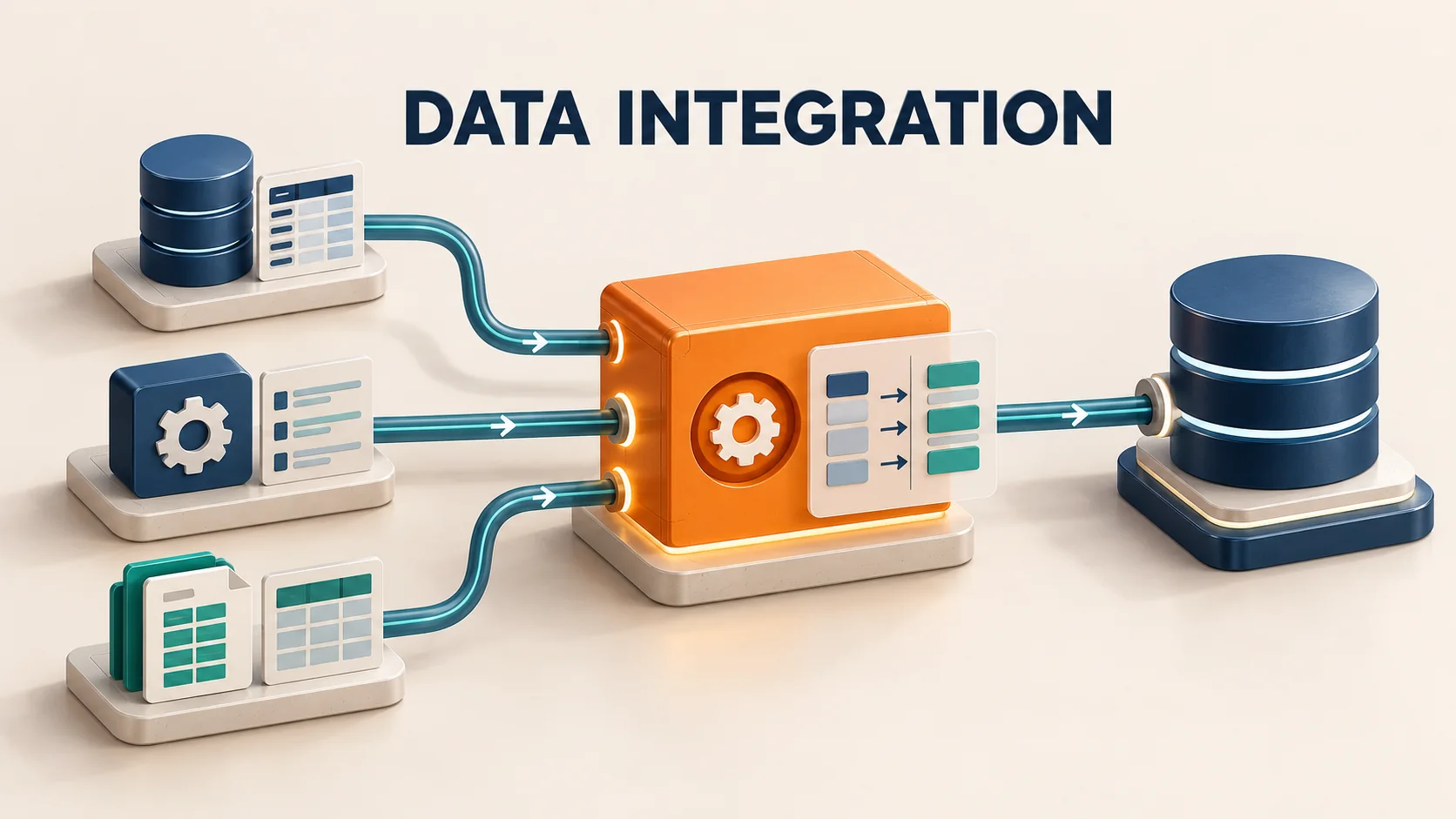
Modern data teams rarely struggle because they have too little data. The harder problem is that useful data is everywhere. Customer records live in Salesforce. Payments may sit in Stripe. Product events come from operational databases. Marketing platforms have their own APIs. Finance uses an ERP. Analysts want everything available in Snowflake, BigQuery, Databricks, Microsoft Fabric, or another analytics platform. Connecting all of that by hand quickly turns into a maintenance job. That is why data integration tools exist. They move, synchronize, transform, and sometimes activate data across systems so teams can spend less time maintaining plumbing and more time using the data.
The difficulty is that “data integration tool” now describes several different kinds of software. A managed ELT service such as Fivetran, an enterprise platform such as Informatica, a real-time CDC platform such as Estuary, and a Python library such as dlt can all belong in the category while solving very different problems. The best choice therefore depends less on which vendor has the longest feature list and more on the integration pattern your team needs.
The Best Data Integration Tools at a Glance
| Tool | Best for | Main category |
|---|---|---|
| Fivetran | Low-maintenance managed pipelines | Managed data movement / ELT |
| Informatica | Complex enterprise integration and governance | Enterprise data integration |
| Matillion | Cloud pipelines with transformation | Cloud data integration |
| Estuary | Real-time CDC and batch integration | Streaming / CDC |
| Microsoft Fabric Data Factory | Microsoft-centric data platforms | Cloud-native integration |
| AWS Glue | Serverless AWS data engineering | Cloud-native ETL/ELT |
| Qlik Talend Cloud | Integration, quality, and governance | Enterprise integration |
| Boomi Data Integration | End-to-end low-code ELT workflows | Data integration |
| SnapLogic | Data, app, API, and AI integration | iPaaS / data integration |
| dlt | Python-first custom pipelines | Developer-first open source |
| Meltano | Code-first pipeline ownership | Open-source integration |
| Apache NiFi | Flexible flow-based movement and routing | Open-source dataflow |
There is no universal winner here. The right tool depends on where your data starts, where it needs to go, how fresh it must be, and how much pipeline infrastructure your team wants to operate.
Before you compare tools: know which type you need
A useful shortlist starts with the architecture, not the vendor.
Managed ELT
Managed ELT platforms extract data from applications or databases, load it into a warehouse or lakehouse, and leave much of the transformation work to the destination. They are attractive when the team wants to spend as little time as possible maintaining connectors. Fivetran, Airbyte Cloud, and Hevo are common examples.
Full ETL and enterprise data integration
Large companies often need more than SaaS-to-warehouse ingestion. They may need data quality rules, hybrid connectivity, complex transformations, lineage, governance, master-data processes, legacy sources, and strict controls. Platforms such as Informatica and Qlik Talend Cloud are designed for this broader environment. Informatica, for example, supports ETL/ELT, replication, and change data capture as part of its cloud data integration offering.
Real-time CDC and replication
If an analytics table can be an hour old, scheduled batch pipelines may be perfectly adequate.
If a fraud model, inventory system, operational dashboard, or customer-facing workflow needs changes within seconds, the architecture is different.
Change data capture identifies inserts, updates, and deletes and propagates those changes rather than repeatedly copying entire tables. This can reduce load on the source system while keeping downstream systems much fresher. Estuary is an example of a platform built around both real-time and batch movement.
Cloud-native integration
Teams that are deeply standardized on one cloud may prefer the native integration service. AWS Glue is serverless and integrates closely with the AWS analytics ecosystem, while Microsoft now positions Data Factory in Fabric as the next generation of Azure Data Factory.
iPaaS and data orchestration
Sometimes the goal is not simply “put this SaaS data in a warehouse.” You may want an event in a CRM to update an ERP, trigger an approval, call an API, synchronize another application, and write data to an analytics platform. That is closer to the territory of SnapLogic, Workato, and broader integration-platform-as-a-service products.
Code-first and open-source pipelines
Engineering teams may prefer pipelines that live in Python or version-controlled repositories rather than being configured primarily through a SaaS interface. dlt and Meltano serve this audience particularly well. The trade-off is straightforward: more control usually means more responsibility.
1. Fivetran
Best for: Teams that want managed data movement with minimal pipeline maintenance
Fivetran is one of the most established choices for managed cloud data movement. Its core attraction is not simply connectivity. It is automation. Fivetran documents more than 700 connectors and automates tasks such as schema migration and data loading while also offering activation capabilities for sending modeled data back to operational applications.
For an analytics team that wants Salesforce, advertising, payments, databases, and other operational data flowing into a warehouse without maintaining extraction code, that approach can be compelling.
Where Fivetran fits
Consider Fivetran when:
- Pipeline maintenance is expensive for your team.
- You primarily want managed source-to-destination data movement.
- Reliability and automated connector maintenance matter more than maximum infrastructure control.
- Your organization prefers a SaaS-operated integration layer.
Main consideration
Fivetran uses usage-based pricing, so buyers should model production volumes carefully rather than comparing only entry-level costs.
2. Informatica
Best for: Large enterprises with complex integration, quality, and governance requirements
Informatica operates at a broader level than a simple warehouse loader. Its cloud data integration portfolio supports high-performance ETL and ELT, replication, and CDC, with integration into the wider Informatica Intelligent Data Management Cloud. That matters in enterprises where “move data from A to B” is only one part of the problem. A regulated organization may also need data quality, governance, metadata, hybrid connectivity, security controls, and standardized enterprise processes.
Where Informatica fits
It is particularly relevant when:
- Data integration spans many business units.
- Legacy, on-premises, and cloud systems must coexist.
- Governance and data quality are major selection criteria.
- The platform will be operated as enterprise infrastructure rather than as a small analytics tool.
Main consideration
The breadth that makes Informatica powerful can also make it more platform than a small team needs. Buyers should evaluate it against real enterprise requirements instead of assuming more functionality is automatically better.
3. Matillion
Best for: Cloud data teams that want ingestion and transformation in one environment
Matillion's Data Productivity Cloud combines connectivity, pipeline management, orchestration, and both no-code and code-friendly transformation. The company currently describes more than 150 prebuilt connectors alongside transformation, scheduling, lineage, and pipeline management capabilities. That makes Matillion appealing to teams that want more transformation depth than a pure ingestion service while still keeping development focused around modern cloud data platforms.
Where Matillion fits
Consider it when:
- Snowflake, Databricks, BigQuery, or another cloud analytics platform is central to your stack.
- You want visual pipeline development but do not want to eliminate code.
- Integration and transformation need to be managed together.
- Your team wants centralized monitoring and orchestration.
Main consideration
Look at both platform charges and the compute consumed in your underlying cloud environment when modeling total cost.
4. Estuary
Best for: Real-time CDC and batch data integration in one platform
Estuary is the current name of the product previously called Estuary Flow. The company renamed the platform in 2026 to reflect its expansion beyond real-time streaming into unified real-time and batch data integration. Its positioning now covers streaming, micro-batch, historical processing, hybrid deployments, lakehouse ingestion, and operational synchronization.
Where Estuary fits
It is especially interesting when:
- Database changes must reach analytics systems quickly.
- You need CDC rather than periodic full extracts.
- Streaming and batch workloads should coexist.
- Operational data synchronization matters.
- Freshness measured in seconds matters more than merely running frequent scheduled jobs.
Main consideration
Do not pay the architectural complexity cost of real-time pipelines when the business only needs hourly or daily updates. Start by defining the freshness requirement.
5. Microsoft Fabric Data Factory
Best for: Teams building primarily in the Microsoft data ecosystem
Microsoft's current direction matters here. Microsoft Learn describes Data Factory in Fabric as the next generation of Azure Data Factory and recommends it as the starting point for new data-integration users. Fabric Data Factory connects to more than 170 sources and supports ETL, ELT, orchestration, hybrid connectivity, and AI-assisted development.
Where Fabric Data Factory fits
It becomes especially attractive when:
- Microsoft Fabric is already your analytics environment.
- OneLake is central to the architecture.
- Your team uses Microsoft data and BI products extensively.
- Both low-code and pro-code integration are desirable.
- Existing Azure Data Factory knowledge or workloads need a modernization path.
Main consideration
Organizations with an existing Azure Data Factory estate should evaluate migration timing rather than assuming they need to rebuild immediately. Microsoft provides an upgrade path between the products.
6. AWS Glue
Best for: AWS-native teams that want serverless data integration
AWS Glue is a serverless data integration service built closely around the AWS ecosystem. AWS says Glue can connect to more than 100 data sources and supports ETL, ELT, batch, micro-batch, and streaming workloads. It also includes cataloging, visual pipeline development, scheduling, and monitoring. AWS introduced Glue 6.0 in August 2026 with an updated Spark engine and other performance and cost changes, showing that the service remains actively developed.
Where AWS Glue fits
It is a strong candidate when:
- Most data already lives in AWS.
- S3, Redshift, and other AWS analytics services are important.
- Serverless infrastructure is preferable.
- Spark-based transformation is useful.
- Usage-based cloud economics match your workload.
Main consideration
A cloud-native service is usually most attractive when the surrounding ecosystem is already a deliberate architectural choice. Teams operating heavily across several clouds should compare the operational benefits of native integration against a cloud-neutral platform.
7. Qlik Talend Cloud
Best for: Enterprises that need integration, transformation, quality, and governance together
Talend's product story has evolved under Qlik. Qlik Talend Cloud is now described as a cloud-based integration solution spanning data transformation, quality, application integration, and governance. Qlik is also in the process of bringing more Talend functionality onto the Qlik Cloud platform.
Where Qlik Talend Cloud fits
It deserves consideration when:
- Data quality is as important as data movement.
- Hybrid or complex enterprise integration is required.
- Teams want reusable governed pipelines.
- A single integration environment needs to support several patterns.
Main consideration
Buyers familiar with older “Talend” products should evaluate the current Qlik Talend Cloud architecture rather than relying on legacy product assumptions.
8. Boomi Data Integration
Best for: Low-code end-to-end data workflows
Rivery has become Boomi Data Integration following its acquisition and integration into the broader Boomi platform. Boomi's current documentation describes Data Integration as an end-to-end platform for modern data teams, with more than 180 managed sources, ELT, CDC, orchestration, SQL, and Python capabilities.
Where Boomi Data Integration fits
Consider it when:
- You want ingestion, transformation, and orchestration in one environment.
- Low-code development is important.
- Warehouse loading and CDC are both required.
- The broader Boomi integration ecosystem is relevant to the company.
Main consideration
Be careful when researching older articles because many still refer to the platform as Rivery.
9. SnapLogic
Best for: Organizations that want data, application, and API integration on one platform
SnapLogic reaches beyond traditional analytics pipelines. Its platform combines data integration, application integration, API management, and AI-oriented orchestration. SnapLogic says its iPaaS ecosystem includes more than 1,000 prebuilt connectors, Snaps, and templates.
Where SnapLogic fits
It is particularly relevant when:
- Integration spans apps as well as warehouses.
- Technical and nontechnical builders both need access.
- APIs are part of the integration strategy.
- Hybrid systems must be connected.
- One platform should support several integration teams.
Main consideration
If your only requirement is moving five SaaS applications into a warehouse, a broader iPaaS may be more platform than necessary.
10. dlt
Best for: Python-first data engineers building custom pipelines
dlt takes a very different approach from visual SaaS integration tools.
It is an Apache 2.0 open-source Python library for moving data from APIs, databases, files, and other sources into warehouses, lakes, databases, and vector stores.
Schema inference, incremental loading, and normalization are built into the library, while pipelines remain Python code your team owns.
Where dlt fits
It is a particularly good match when:
- Data engineers already work primarily in Python.
- Custom APIs are common.
- Pipelines should live alongside application or data code.
- You want control over execution infrastructure.
- A full graphical integration platform would add unnecessary overhead.
Main consideration
The open-source library is intentionally developer-oriented. Teams that want point-and-click pipeline creation and fully outsourced operations will be happier elsewhere.
11. Meltano
Best for: Engineering teams that want open-source, code-first data integration
Meltano describes itself as a declarative code-first data integration engine.
Its current ecosystem includes more than 600 sources and destinations, with both self-hosted open-source usage and a managed-cloud option documented.
The model appeals to data teams that want integration pipelines to follow software-engineering practices such as source control, repeatable environments, and CI/CD.
Where Meltano fits
Consider Meltano when:
- Your data team is strongly engineering-led.
- Version-controlled configuration is preferred.
- Open-source ownership matters.
- Singer-compatible connectors are useful.
- Your organization wants to reduce dependency on proprietary pipeline definitions.
Main consideration
Open source does not eliminate operational cost. Infrastructure, monitoring, upgrades, and incident handling still require ownership unless the team chooses a managed option.
12. Apache NiFi
Best for: Flexible data routing, movement, and flow-based integration
Apache NiFi is a mature open-source dataflow system rather than a warehouse-specific ELT service.
It provides a browser-based interface for designing and monitoring flows along with capabilities such as routing, transformation, back pressure, low-latency or high-throughput operation, and detailed data provenance.
NiFi 2.12.0 was released in September 2026, confirming that the project remains active.
Where NiFi fits
NiFi is worth considering when:
- Data must move between varied systems and protocols.
- Flow routing is complex.
- Data provenance is important.
- Your architecture extends beyond SaaS-to-warehouse ingestion.
- The team wants open-source infrastructure with a visual flow model.
Main consideration
Running NiFi is infrastructure ownership. It makes the most sense when your team specifically values its flexibility rather than simply needing a managed SaaS connector.
How to choose the right data integration tool
The fastest way to make a poor decision is to start with a vendor demo.
Start with your workload instead.
1. Write down the exact source-to-destination routes
Do not write:
“We need Salesforce integration.”
Write:
“We need Salesforce opportunities, accounts, contacts, and opportunity history loaded into Snowflake every 15 minutes.”
Then repeat that exercise for every critical pipeline.
You can immediately eliminate tools that do not support the actual routes.
2. Define freshness in business terms
Ask what happens when data is 5 minutes, 30 minutes, or 24 hours old.
If nothing meaningful changes, real-time infrastructure may be unnecessary.
If stale data affects inventory, fraud detection, user experiences, or operations, then CDC or event-based integration deserves much more weight.
3. Test connectors rather than counting them
“700 connectors” tells you less than you might think.
For each critical connector, test:
- Historical backfills
- Incremental syncs
- Updates
- Deletes
- API-limit behavior
- Schema changes
- Nested data
- Retry behavior
- Authentication renewal
One excellent connector for your mission-critical source matters more than 500 connectors you will never use.
4. Decide who owns the plumbing
There is no free architecture.
With a managed tool, you pay the vendor to absorb more connector and infrastructure work.
With open source, you may reduce software licensing while absorbing infrastructure, security, upgrades, monitoring, and on-call work internally.
Choose the cost structure your team actually wants.
5. Deliberately break a test pipeline
- A successful demo proves very little.
- Change a source column.
- Delete a field.
- Expire credentials.
- Interrupt the network.
- Insert duplicate records.
- Create a large historical backfill.
- Then watch what happens.
Production-quality integration is defined as much by recovery as by the first successful sync.
6. Model cost using production behavior
Data integration pricing cannot be compared reliably with one monthly sticker price. Vendors may charge based on:
- Active rows
- Events
- Data volume
- Compute
- Credits
- Runtime
- Capacity
- Connectors
- Platform editions
- Custom contracts
Model at least three scenarios: today's volume, 3× growth, and 10× growth.
7. Review governance early
Enterprise teams should evaluate:
- SSO
- Role-based access
- Audit logs
- Encryption
- Private networking
- Data residency
- Secrets management
- Lineage
- Environment separation
- Compliance requirements
Do this before a proof of concept becomes a production dependency.
A simple shortlisting framework
You can reduce 12 options to a much smaller list by starting with your operating model. Small analytics team wanting minimal maintenance: Start by evaluating managed platforms such as Fivetran and Hevo. Engineering-heavy team wanting flexibility: Look closely at Airbyte, dlt, and Meltano.
Real-time database replication: Put Estuary and enterprise CDC-capable platforms near the top of the evaluation set.
Large regulated enterprise: Evaluate Informatica and Qlik Talend Cloud alongside whichever platforms already fit your existing enterprise architecture. AWS-first organization: AWS Glue deserves serious consideration before adding another independent integration layer. Microsoft Fabric organization: Start with Fabric Data Factory. Data plus application automation: SnapLogic or Workato may fit better than warehouse-only ELT platforms. Complex open-source dataflow and routing: Apache NiFi remains a useful option. The goal is not to find the platform with the most features. It is to find the platform whose operating model matches your team.