

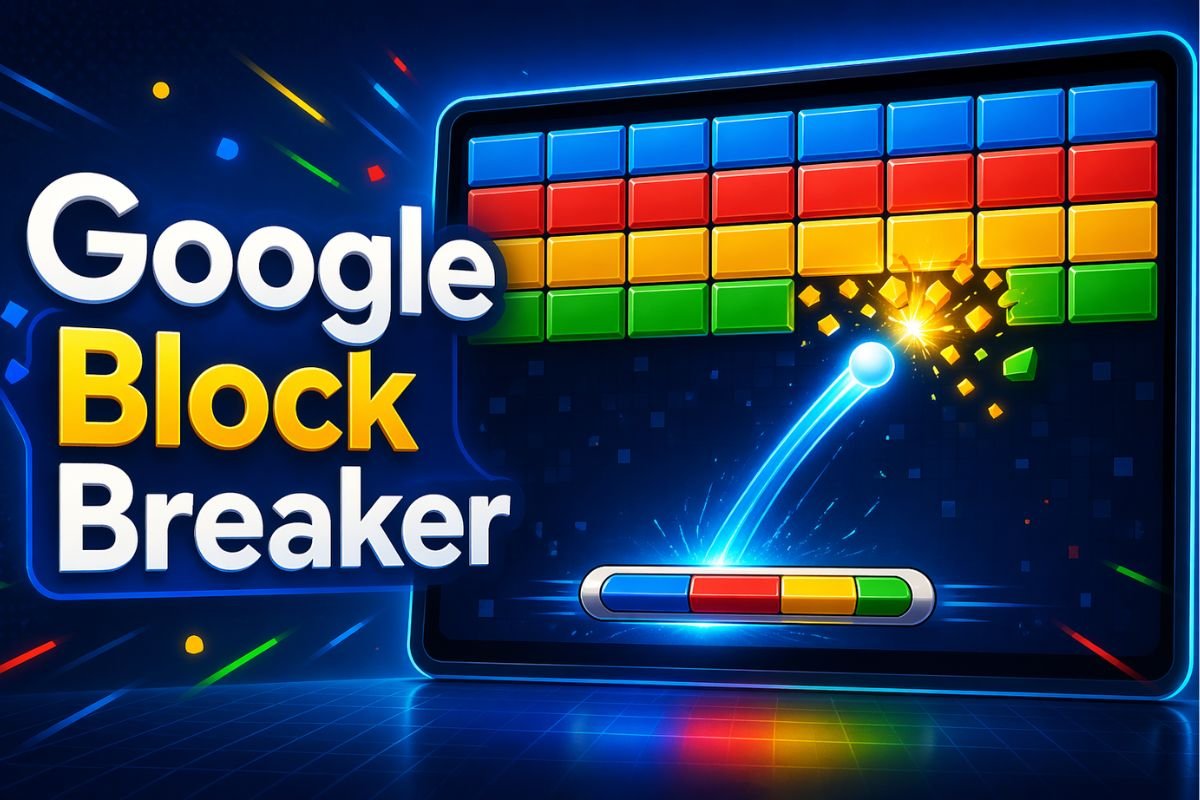
Google Block Breaker is one of those simple games that can take a quick break and turn it into "just one more round." The idea is easy. You move a paddle, bounce a ball, and break the blocks above you. But once the ball gets faster, power-ups start falling, and the block patterns become harder, the game becomes more exciting than it first looks. This guide explains what Google Block Breaker is, how to play it, how to find it, what the controls do, and how to improve your score without overcomplicating the game.
What Is Google Block Breaker?
Google Block Breaker is a browser-based arcade game built around the classic brick-breaking format. You control a paddle at the bottom of the screen and use it to bounce a ball into blocks. When the ball hits blocks, they break, and your goal is to clear as much as possible without letting the ball fall past your paddle.
It is simple enough for beginners, but it becomes more challenging as the game continues. That is why people search for tips after playing a few rounds. The controls are easy, but staying calm when the ball speeds up is the real challenge.
How to Play Google Block Breaker
To play Google Block Breaker, search "Block Breaker" or "Google Block Breaker" on Google. If the game card appears, click or tap Play. Then move your paddle left and right to keep the ball bouncing. Your goal is to break the blocks above while stopping the ball from falling below the paddle.
The basic rule is simple:
Keep the ball alive, break the blocks, collect helpful power-ups, and avoid losing your lives.
How to Open Google Block Breaker on Desktop or Mobile
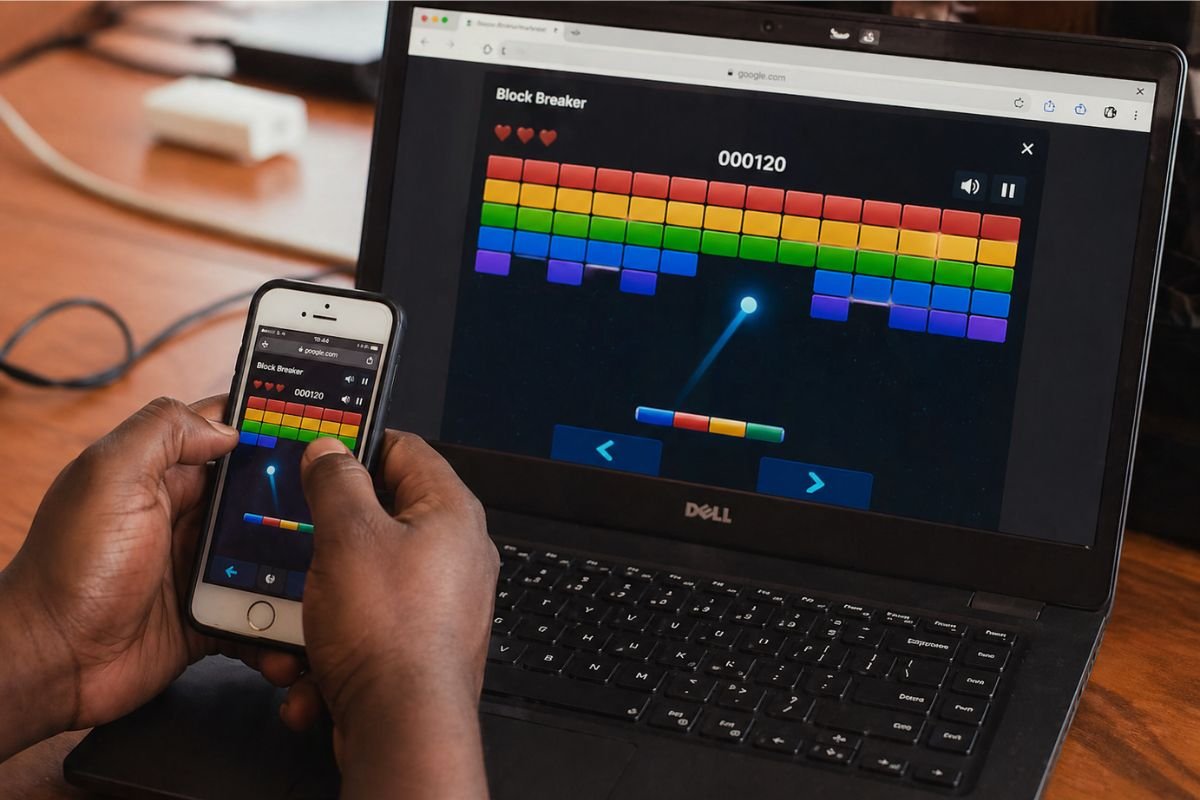
Google Block Breaker is designed for quick play. You do not need to install a separate app if you are playing through Google Search.
On Desktop
Open Google in your browser and search for Block Breaker. If the game card is available in your region or browser, press Play. The game opens on the search page or in a larger game view.
On desktop, you can usually move the paddle with the left and right arrow keys. Some versions may also support mouse-style movement.
On Mobile
On mobile, open Google Search or the Google app and search for Block Breaker. Tap the play button when the game appears.
Mobile controls usually rely on touch movement, tapping, or dragging to move the paddle across the screen.
Mobile play can feel faster because your finger may cover part of the screen. For better control, keep your finger slightly below the paddle instead of directly on top of the ball.
How the Game Works
Google Block Breaker looks simple, but it has a few moving parts that matter.
The Paddle
The paddle is your main control tool. It moves left and right at the bottom of the game area. Your job is to place it under the ball before the ball falls.
A common beginner mistake is chasing the ball too late. It is better to keep the paddle near the center when the ball is high, then move only when you can clearly see where the ball is coming down.
The Ball
The ball bounces around the screen. When it hits a block, the block breaks or takes damage. When it hits the paddle, it bounces back up.
The part of the paddle that touches the ball can affect the angle. A center hit usually sends the ball more straight upward. An edge hit sends it at a sharper angle.
The Blocks
Blocks are the targets. Some blocks may break quickly, while others may take more hits or behave differently depending on the version of the game.
The best strategy is not always to hit the nearest block. Often, you want to create a small gap that lets the ball travel into the upper area. Once the ball gets above the block wall, it can bounce around and break many blocks before coming back down.
Lives and Scoring
Most versions of the game use a limited life system. You lose a life when the ball falls below the paddle.
Scoring is usually connected to breaking blocks, staying alive, and clearing more of the board. The longer you keep the ball in play, the better your chance of building a higher score.
Google Block Breaker Controls
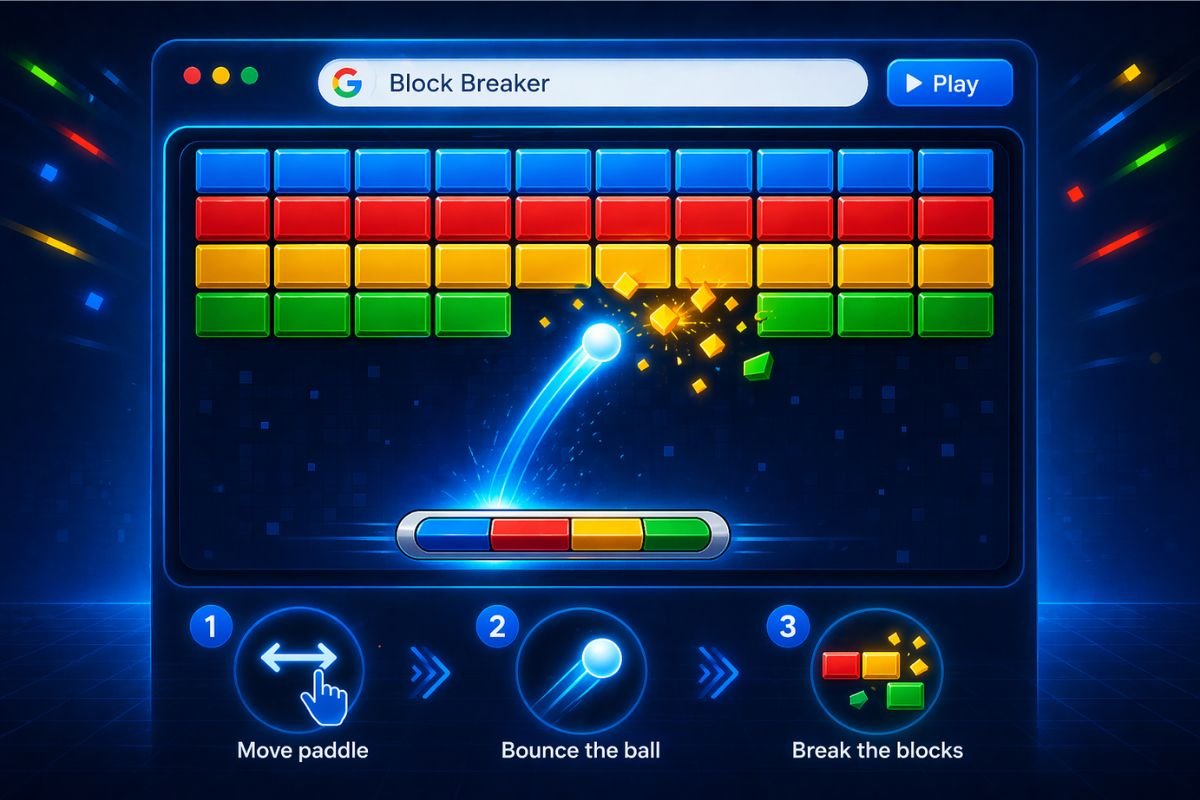
The controls are easy to learn, but smooth control makes a big difference.
Desktop Controls
On desktop, use the left and right arrow keys to move the paddle. Some versions may also respond to mouse movement. If the game feels too small, expanding the browser window can make it easier to track the ball.
A larger view helps because you can see the ball’s path earlier. That gives you more time to move instead of reacting at the last second.
Developers use the same kind of cross-screen testing when building mobile-friendly experiences. Our responsive design tester lets you preview a website at common desktop, tablet, and mobile sizes.
Mobile Controls
On mobile, use your finger to move the paddle. Try not to swipe too aggressively. Fast swipes can make you overshoot the ball.
A better method is to move steadily and keep your finger lower on the screen. This keeps the paddle visible and gives you more control.
Power-Ups and Special Blocks
Power-ups are one of the reasons Google Block Breaker becomes fun after the first few rounds. Some blocks may drop special items that fall toward your paddle. If you catch them, they activate a bonus.
Common power-ups may include:
- Multi-ball: Adds extra balls so you can break more blocks at once.
- Longer paddle: Makes it easier to catch the ball.
- Extra life: Gives you more room for mistakes.
- Blaster or laser effect: Helps clear blocks directly.
- Explosive effect: Breaks nearby blocks faster.
Not every power-up needs the same reaction. A longer paddle is usually safe and useful. Multi-ball is powerful, but it can also distract beginners. The best rule is simple: protect the lowest ball first. If three balls are bouncing, the one closest to the bottom is the one that can cost you a life.
Google Block Breaker vs Google Atari Breakout
Many people confuse Google Block Breaker with Google Atari Breakout. They are related in style, but they are not exactly the same.
Google Atari Breakout was an older Google Images Easter egg. It turned image search results into a playable Breakout-style game. It became popular because the search results themselves became the bricks.
Google Block Breaker is a newer Google Search game experience. Instead of transforming image results, it appears as a playable game card in Google Search.
So the simple difference is:
- Google Atari Breakout was the older image search Easter egg.
- Google Block Breaker is the newer search based block breaking game.
Beginner Tips to Score Higher
You do not need advanced gaming skills to improve. A few small habits can help you survive longer and break more blocks.
Keep the Paddle Near the Center
When the ball is high on the screen, do not park your paddle at the far left or far right. Stay near the center until you know where the ball is going.
This gives you more time to move in either direction.
Use the Paddle Edges for Angles
If you always hit the ball from the center of the paddle, the ball may keep bouncing in predictable paths. To reach side blocks or tight corners, let the ball hit near the paddle edge.
This creates sharper angles and helps send the ball into harder-to-reach areas.
Do Not Panic During Multi-Ball
Multi-ball looks chaotic, but it is also a good scoring chance. You do not need to save every ball. Focus on the lowest ball first. If a higher ball is still breaking blocks, let it work.
This one habit can help you stay calm and score more.
Prioritize Useful Power-Ups
Not all falling items are worth chasing if the ball is about to drop. The ball is always more important than a power-up.
A simple priority order is:
- Save the ball
- Catch extra life
- Catch longer paddle
- Catch multi-ball
- Catch attack-style power-ups if safe
Create Gaps Near the Top
One of the best ways to clear blocks faster is to open a small path into the upper area. When the ball gets above the block layout, it can bounce between the wall and blocks several times.
That is where big scoring runs often happen.
Is Google Block Breaker Safe and Free?
If you play it directly through Google Search or Google’s own game result, it is a free browser-based game. You do not need a separate download to play the Google version.
Be more careful with unofficial mirror sites. Some are fine, but others may add ads, redirects, or unrelated game links. If your goal is to play the Google version, start from Google Search first.
Before You Start Playing
Google Block Breaker is easy to understand, but that is exactly why it is fun. You do not need a tutorial, account, or download. You just search, press play, and start breaking blocks.
The best way to improve is to stop playing randomly. Watch the ball angle, stay calm with power-ups, and focus on creating openings near the top of the blocks. Once you learn those habits, the game becomes less about luck and more about control.
For businesses creating browser-based experiences, our web development services focus on fast, responsive, and user-friendly interfaces.