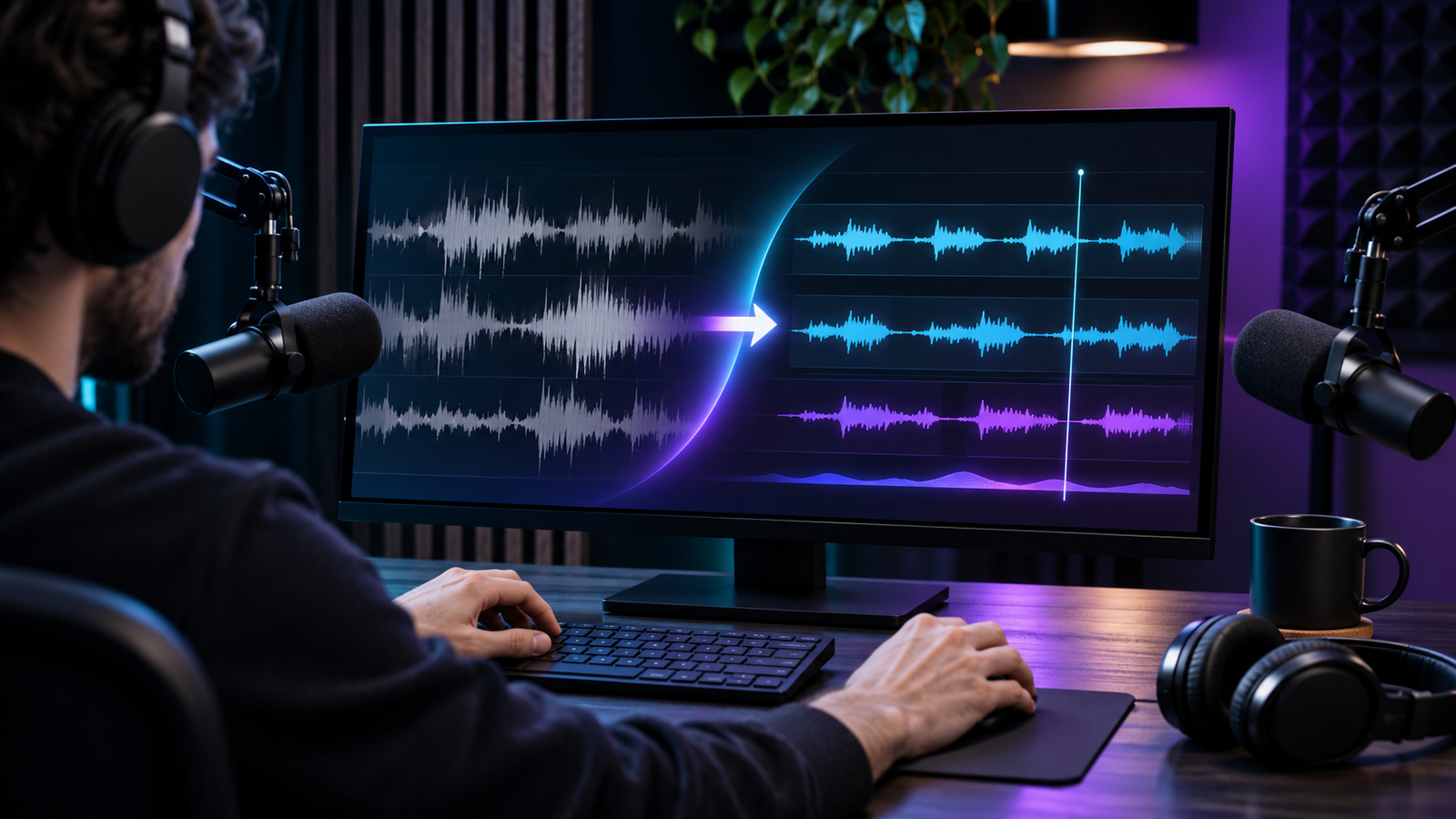

Editing a podcast’s audio well means solving two different problems at once: cleaning up and leveling spoken dialogue, and building the ambience, music, and sound effects around it. Few tools handle both halves in one place; most are built for one side of that split and treat the other as an afterthought.
AI has made real inroads on both problems: automated leveling and noise reduction for the dialogue side, and prompt-based generation for the ambience and effects side. But the tools built for cleanup rarely double as editors, and the tools built for timeline editing don’t always generate sound on their own.
Here are five AI tools worth considering for podcast audio work, along with where each one actually fits.
What These Tools Were Judged On
Four criteria shaped this list: how well each tool handles automated dialogue cleanup and leveling (the most repetitive part of podcast post-production); whether it’s built around recording, editing, or both; how much manual control it leaves once the automated pass is done; and how generous its free tier is before a paid plan becomes necessary.
A tool that excels at one of these but ignores the others still earns a spot if the gap is a reasonable trade-off for the right use case; the goal is matching the tool to the job, not finding one that does everything.
Comparison at a Glance
| Tool | Best for | Key feature | Starting price |
|---|---|---|---|
| invideo | Full podcast post-production in one timeline | Multicam sync + agentic sound design | Part of invideo’s subscription plans |
| Adobe Podcast | One-click voice cleanup | Enhance Speech | Free account; paid plan for longer files |
| Auphonic | Automated loudness and leveling | LUFS normalization + noise reduction | Free (2 hrs/mo, with jingle); paid options by hours |
| Descript | Transcript-based editing | Regenerate + Studio Sound | Free tier; paid plans in the $20s/mo with monthly billing |
| Riverside | Remote multi-track recording | Local recording + Magic Clips; Magic Audio on Pro | Free tier; paid plans from the $20s/mo |
1. invideo
invideo can build a base cut from raw recordings: aligning multiple camera recordings and suggesting speaker cuts, cutting filler words and silence, and leveling and cleaning voices before an editor opens the timeline. From there, it generates highlight clips sized for social on request, rather than requiring a separate clipping tool.
The AI podcast editor also connects to invideo MCP, letting Claude, ChatGPT, or Cursor drive edits, color correction, and media generation directly from a chat interface rather than the timeline UI alone.
For the sound side specifically, invideo’s agentic sound design tools let an editor describe a scene’s audio needs in plain language, such as ambience, a music bed, or a specific timed effect. The system builds or sources the layers and places them on the timeline, pulling from 33+ built-in audio models plus a stock library.
Best for: Editors who want cleanup, editing, and sound design handled in one project rather than stitched together from separate tools.
Where it falls short: Editors already deep in a DAW-centric pipeline may find switching their whole workflow over a bigger lift than adding one point tool.
Pricing: Part of invideo’s subscription plans; check invideo’s pricing page for current tiers.
2. Adobe Podcast (Enhance Speech)
Adobe Podcast’s Enhance Speech tool does one thing and does it with almost no setup: drop in a rough recording, and it strips background noise and room echo to produce a cleaner, more “studio” sounding voice track. A free account is required for the basic version.
It’s a cleanup tool, not an editor; there’s no timeline, no multitrack sync, and no sound design layer. It solves exactly one problem in the chain.
Best for: Quick, single-track voice cleanup when the only issue is a noisy recording environment.
Where it falls short: Enhance Speech alone does not offer editing, leveling across multiple speakers, or sound design; it has to be paired with something else for a finished episode.
Pricing: Free for the core tool; a paid plan unlocks longer file processing.
3. Auphonic
Auphonic automates the audio-mastering step most podcasters find tedious: leveling speakers against each other, normalizing loudness to broadcast LUFS targets, and reducing background noise and hum, all from an uploaded file with no manual mixing required.
It bills by hours of audio processed rather than by feature tier, which suits an irregular publishing schedule better than a flat monthly seat.
Best for: Podcasters who already have an edited file and just need consistent, broadcast-ready levels before publishing.
Where it falls short: It’s mainly a mastering pass, not a full editor; it offers cutting but not a full multitrack timeline or sound design layer.
Pricing: Free for 2 hours of processed audio per month with an Auphonic jingle; paid options scale by hours.
4. Descript
Descript edits audio and video by editing a transcript: removing a sentence from the text removes the matching section from the recording, which makes locating and cutting dialogue faster than scrubbing a timeline by ear.
Its AI layer includes Studio Sound for noise cleanup and Regenerate for voice corrections, both metered through the plan’s AI-credit allowance rather than unlimited on every tier.
Best for: Interview and tutorial-style podcasts where finding and cutting specific lines of dialogue is the main editing task.
Where it falls short: Studio Sound and Regenerate are limited on the free tier and expanded in paid plans, and heavier AI usage draws down a shared credit pool rather than running unlimited.
Pricing: Free tier with limited transcription hours; paid plans start in the $20s per month with monthly billing, scaling with transcription hours and AI credits.
5. Riverside
Riverside is built around the recording side of the problem: it records each participant’s track locally before anything travels over the internet, which keeps a remote guest’s audio clean even on an unreliable connection.
Its Magic Audio and Magic Clips features handle automatic enhancement and generate short clips after a session ends, functioning as a lighter post-production layer rather than a full editing suite. Magic Clips is available on Free, while Magic Audio is on Pro.
Best for: Remote interview podcasts where guest audio quality is the main risk.
Where it falls short: Its built-in editing tools are lighter than a dedicated editor’s, so heavier post-production work often still gets exported elsewhere.
Pricing: Free tier with limited recording time; paid plans start in the $20s per month.
Which One Should You Use
- Full post-production in one place → invideo
- One rough recording, one noisy voice → Adobe Podcast
- Already edited, just needs mastering → Auphonic
- Heavy dialogue editing by transcript → Descript
- Remote guests, recording quality is the risk → Riverside
FAQ
Can I use more than one of these tools in the same workflow?
Yes. Pairing a recording-focused tool like Riverside with a mastering pass from Auphonic, or exporting a Descript cut into a full timeline editor, can work well. One tool does not need to replace all the others.
Do any of these generate background music or sound effects, not just clean up dialogue?
invideo’s agentic sound design tools are built specifically for that: generating or sourcing ambience, music beds, and timed effects from a text description, while the other four tools focus mainly on recording, cleanup, or dialogue editing.
Which tool needs the least manual setup for a single noisy recording?
Adobe Podcast’s Enhance Speech is the fastest for that specific case: upload and process, no timeline needed, with a free account required for the basic version.
Is a free tier enough to produce a full episode?
For light, occasional use, most free tiers here cover a single short episode, but regular publishing schedules typically outgrow free limits on transcription hours, processing time, or export resolution within a few episodes.