
Editing a podcast involves more than trimming dead air and exporting an MP3. A finished episode needs clean and level dialogue and a trimmed-down base cut. A video episode with several cameras also needs synced angles. Many teams make clips specifically for social before publishing. Whether the format is a two-person interview, a solo narration show, or a multi-guest panel, following a structured process keeps each stage manageable instead of re-listening to the same hour of audio three separate times.
This guide walks through that process from the moment recording stops to the moment the episode (and its social cutdowns) are ready to publish.
1. Plan the Episode Before You Record
Decide the episode’s shape before opening any editing software. A structured interview needs clear segment breaks; a solo narration show needs a tighter outline since there’s no second voice to carry a lull. That shape decides where natural cut points will later sit in the raw recording.
Note any known trouble spots in advance: a guest who talks over pauses, a segment that’s likely to run long, a specific moment you already know you want as a social clip. Flagging these before editing starts saves time scrubbing for them later.
2. Organize Your Recordings and Project Files
Once recording wraps, gather every file before touching a timeline: each camera angle, each microphone’s isolated track, and any screen share or slide deck used during the session. Label files by guest name and camera position rather than relying on default recorder filenames.
Keep a Backup Before Editing
Keep the original, unedited recordings separate from anything you start cutting. If a sync or cleanup pass goes wrong, having the untouched originals means starting over costs minutes, not a re-recorded episode.
3. Sync Multicam Angles and Review the Raw Recording
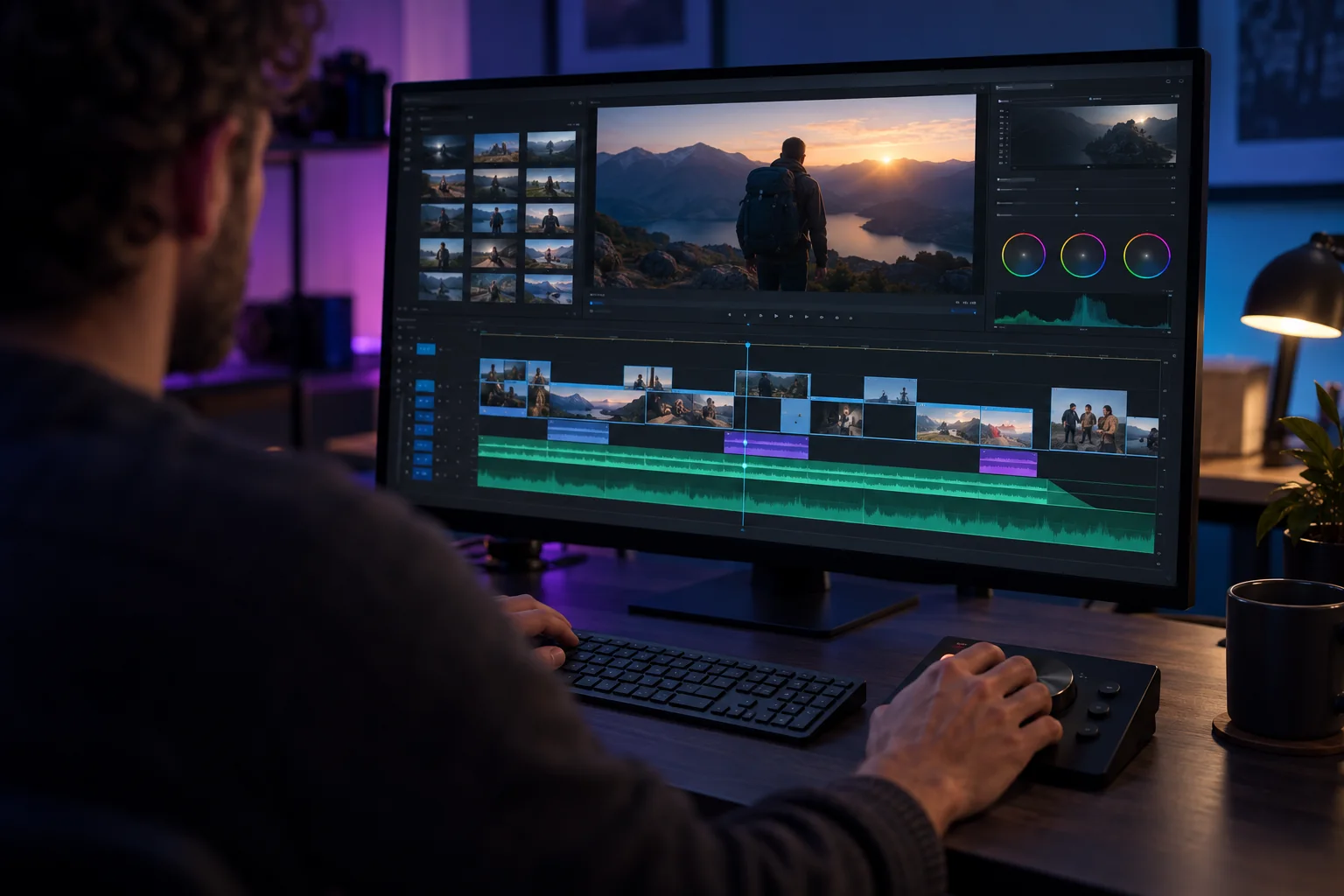
Syncing multiple camera recordings to a common audio track and then choosing the angle that fits each moment is usually the most tedious manual step in podcast editing, and the one most worth automating first. Getting it wrong early means every downstream cut inherits the mismatch.
An AI podcast editor can help handle this sync and suggest cuts between camera angles based on who’s talking rather than requiring a manual multicam sequence built angle by angle. The same pass may also remove filler words and long silences at the same time, producing a workable base cut instead of a raw, unedited recording.
That automated pass still needs a human review afterward: an automated cut can still move away from a reaction shot or a visual beat that mattered.
4. Build the Base Cut
Working from the roughly trimmed recordings, arrange the episode into its final segment order: intro, main conversation, any ad reads, and outro. Remove tangents that don’t serve the episode, but don’t over-trim yet; the goal here is structure, not polish.
Check the Conversation Still Flows
Listen to the base cut start to finish without stopping to fix small issues. A removed tangent can leave a conversational gap that makes the next segment feel abrupt; it is better to catch that now than after audio cleanup is finished.
5. Clean Up and Level the Dialogue
Compare isolated tracks from each microphone and pick the clearest source per speaker rather than assuming the same mic setting works for everyone. Uneven volume between speakers is one of the fastest ways a podcast reads as unpolished, even when the content is strong.
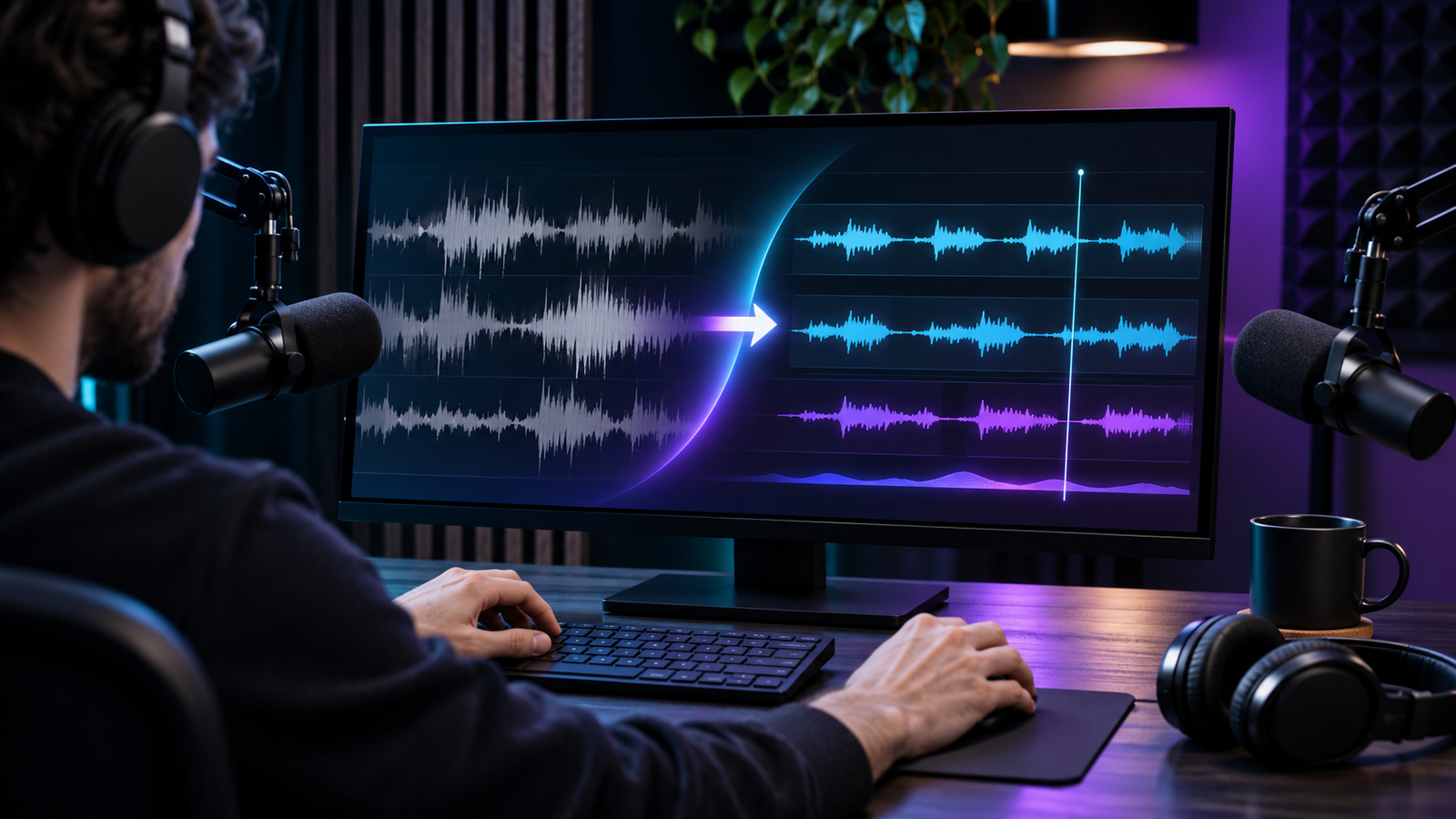
Apply consistent levels and basic noise cleanup across the whole episode, not just the sections that sounded obviously rough on first listen; background hum and room tone often only become noticeable once you’re comparing clips side by side.
6. Add B-Roll, Graphics, and Highlight Clips for Social
A long-form episode and its social cutdowns serve different purposes, so treat the highlight clips as their own short edit rather than a copy-pasted segment. Look for the moments with a clear, self-contained point: a clip that needs the surrounding context to make sense rarely performs well on its own.
Visual elements (guest name lower-thirds, topic titles, a logo bumper) should stay consistent across both the full episode and its clips, so a viewer recognizes the show whichever format they land on first.
7. Mix Music and Sound Effects
Intro and outro music can sit prominently when nobody is speaking, then duck out of the way the moment conversation starts. A music bed that’s too loud under someone talking is one of the more common mixing mistakes in podcast editing specifically, since music levels that sound fine alone often read as too loud once dialogue is layered on top.
Keep sound effects (transition stingers, segment markers) sparse. A podcast leans on dialogue far more than a video edit does, so effects that would go unnoticed in a visual-heavy edit can feel intrusive here.
8. Review and Export for Each Platform
Watch or listen to the complete episode end to end before exporting anything. Check that segment transitions land cleanly, that levels stay consistent across the whole runtime, and that the intro doesn’t abruptly cut into the first question.
Export the full episode in the format your hosting platform requires, and export social clips separately in whatever aspect ratio each platform expects; a square or vertical crop for social feeds looks noticeably different from the widescreen frame used for the full episode, so don’t rely on one export covering both.
If your workflow needs the project moved into Premiere Pro, Final Cut, or DaVinci Resolve for further polishing, confirm both tools support OpenTimelineIO and the edit transfers cleanly before treating the cut as final; catching an export issue after publishing is far more costly than catching it before.
Conclusion
Editing a podcast episode becomes manageable once each stage has a clear job: planning sets the shape, multicam sync and filler removal turn raw recordings into a workable base cut, and cleanup, mixing, and clip-building turn that base cut into a publishable episode. Treating the social clips as their own short edit, rather than an afterthought, is usually what separates a podcast that gets clipped well from one that doesn’t.
Automated syncing and cleanup remove the most repetitive manual work, but the editorial judgment (which tangent to cut, which moment deserves to be a clip) still has to come from a person who actually listened to the conversation.