
Video editing is the process of selecting, arranging, and refining raw footage and audio to create a finished video. Cameras and screen recorders capture material. Editing decides what the viewer will see, when they will see it, and how the pictures and sound work together.
The process can be as simple as removing a pause from a phone recording or as detailed as assembling many cameras, sound tracks, graphics, effects, and color adjustments into a film. The same basic ideas apply at both levels.
The Basic Building Blocks
Clips
A clip is an individual piece of video, audio, or still imagery available to the editor. One recording may stay as a single clip or be divided into several useful sections.
Cuts
A cut is the point where one shot ends and another begins. Editors choose cuts to remove mistakes, change the view, compress time, control rhythm, or move the story forward.
The timeline
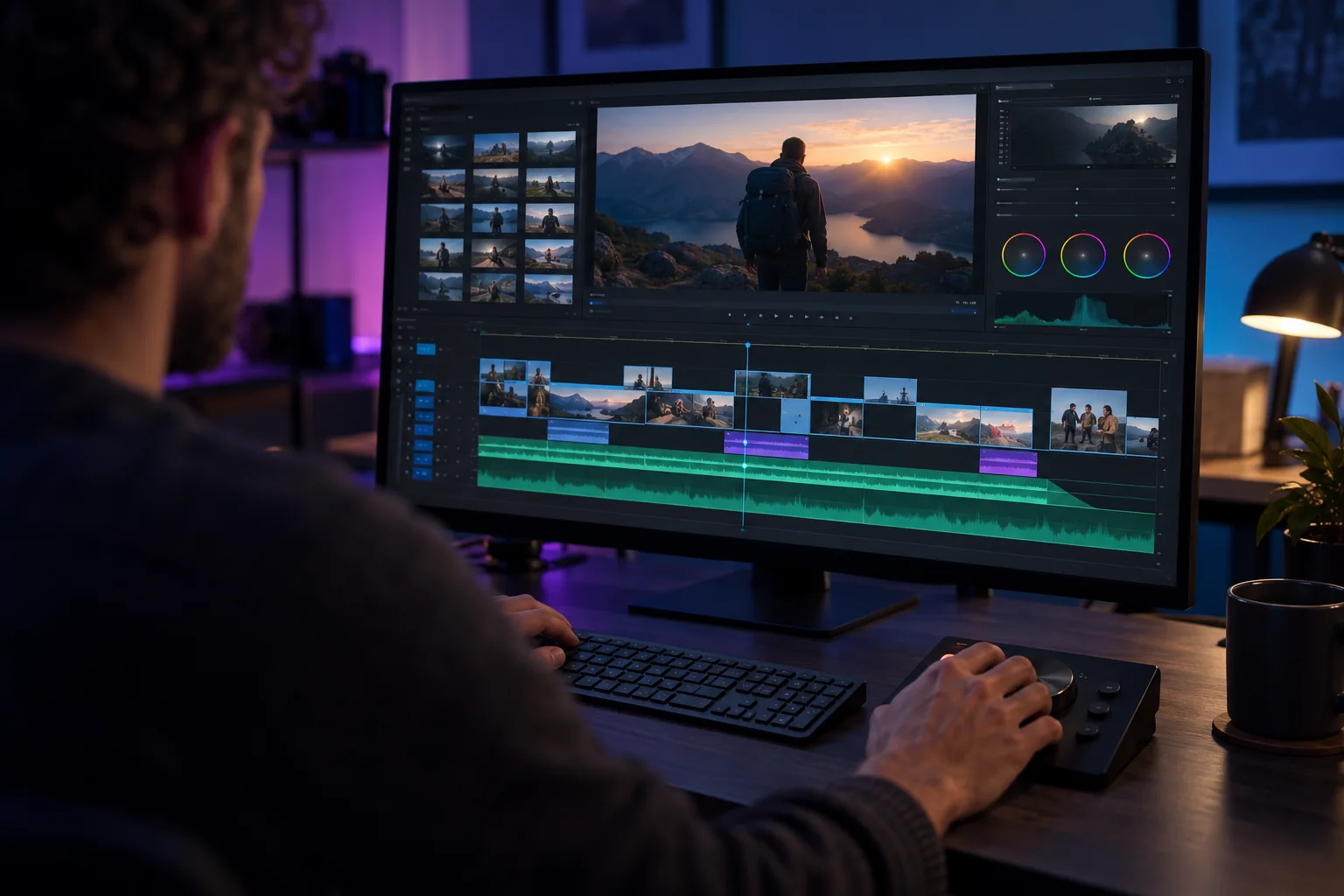
The timeline is the workspace where clips are placed in order. Time moves from left to right. Video, audio, titles, and effects can sit on separate tracks so the editor can adjust them independently.
Audio
Dialogue, music, room sound, and effects are arranged on audio tracks. The editor balances their volume, removes distracting noise where possible, and keeps sound synchronized with the picture.
Transitions and B-roll
A transition controls how one shot changes into another. A simple cut is often enough. B-roll is supporting footage placed over the main narration or interview to show what the speaker is describing.
What Video Editing Accomplishes
Editing removes material the viewer does not need and arranges the remaining material into a clear experience. It can:
- Remove mistakes, pauses, repeated points, and unusable shots
- Put events or explanations into a logical order
- Control pace by shortening or extending moments
- Make dialogue easier to hear
- Add B-roll, captions, graphics, or music when they clarify the message
- Correct basic color and exposure differences
- Prepare the final file for a website, social platform, presentation, or archive
A good edit does not need to call attention to every technique. Its job is to help the viewer understand and follow the material.
The Video Editing Process Step by Step
- Import and organize. Copy the source files, name them clearly, and place related material into folders or bins.
- Review the footage. Watch the recordings, mark the strongest takes, and note technical problems.
- Build a rough cut. Put the useful clips into a basic order without polishing every detail.
- Create the fine cut. Tighten timing, improve transitions, and remove material that slows the video.
- Improve the audio. Balance dialogue, music, and effects. Reduce distracting noise when possible.
- Add supporting elements. Insert B-roll, captions, titles, and graphics that help the viewer.
- Adjust the picture. Correct exposure and color so shots feel consistent.
- Review the complete video. Check spelling, timing, audio, framing, and any claims shown on screen.
- Export. Create the final file using settings appropriate for its destination.
A Simple Editing Example
Imagine a creator records a 10-minute product demonstration and needs a 60-second version for an affiliate video.
| Stage | Editing decision |
|---|---|
| Review | Mark the clearest introduction, demonstration, limitation, and final result. |
| Rough cut | Place those sections in a logical order and remove the unused recording. |
| Fine cut | Shorten pauses and keep only the strongest explanation of each point. |
| Support | Add close-up B-roll and captions where the viewer needs detail. |
| Finish | Balance the voice, check the disclosure, and export for the chosen platform. |
Editing Usually Does Not Change the Original Files
Most modern editors use non-destructive editing. The timeline stores instructions about which part of a clip to show, where it should appear, and which adjustments to apply. The original camera file normally remains unchanged.
That makes experimentation safer. You can shorten a clip, restore it, try another order, or remove an effect without permanently cutting the source file. You should still keep backups because deleting or moving source media can break the project.
How Modern AI Tools Change the Workflow
The basic building blocks have not changed. Clips, cuts, timelines, and audio still form the edit. What changes is how some decisions and operations can be requested.
Invideo's agentic video editor describes a workflow in which agents can review footage, select takes, assemble an initial sequence, and apply later instructions on an editable timeline. Those are product-specific capabilities, not features shared by every AI editor.
An editor still needs to judge whether the selected take is accurate, whether the pacing serves the audience, whether the audio is clear, and whether the final version communicates what was intended. The tool can perform work, while the person remains responsible for the result.
This distinction matters in digital marketing, where an efficient edit is useful only if the message and evidence remain honest.
Export Settings in Plain Language
Exporting turns the timeline into a video file that can be played or uploaded. Beginners should understand four settings:
- Resolution controls the frame dimensions, such as 1920 by 1080 pixels.
- Aspect ratio describes the frame shape, such as horizontal 16:9 or vertical 9:16.
- Frame rate describes how many frames appear each second. It is usually safest to match the source or project.
- Bitrate affects image quality and file size. Higher is not always better if the destination recompresses the upload.
Use a preset designed for the destination when you are unsure, then watch the exported file from beginning to end before publishing it.
Beginner Checklist for the First Edit
- Copy and back up the original files.
- Create a project with the correct frame size and rate.
- Organize video, audio, images, and music.
- Build the story before adding decorative effects.
- Listen with headphones and check the voice level.
- Use captions when they improve accessibility or comprehension.
- Keep transitions simple unless a stronger effect has a purpose.
- Export a test and watch it on the device where viewers will see it.
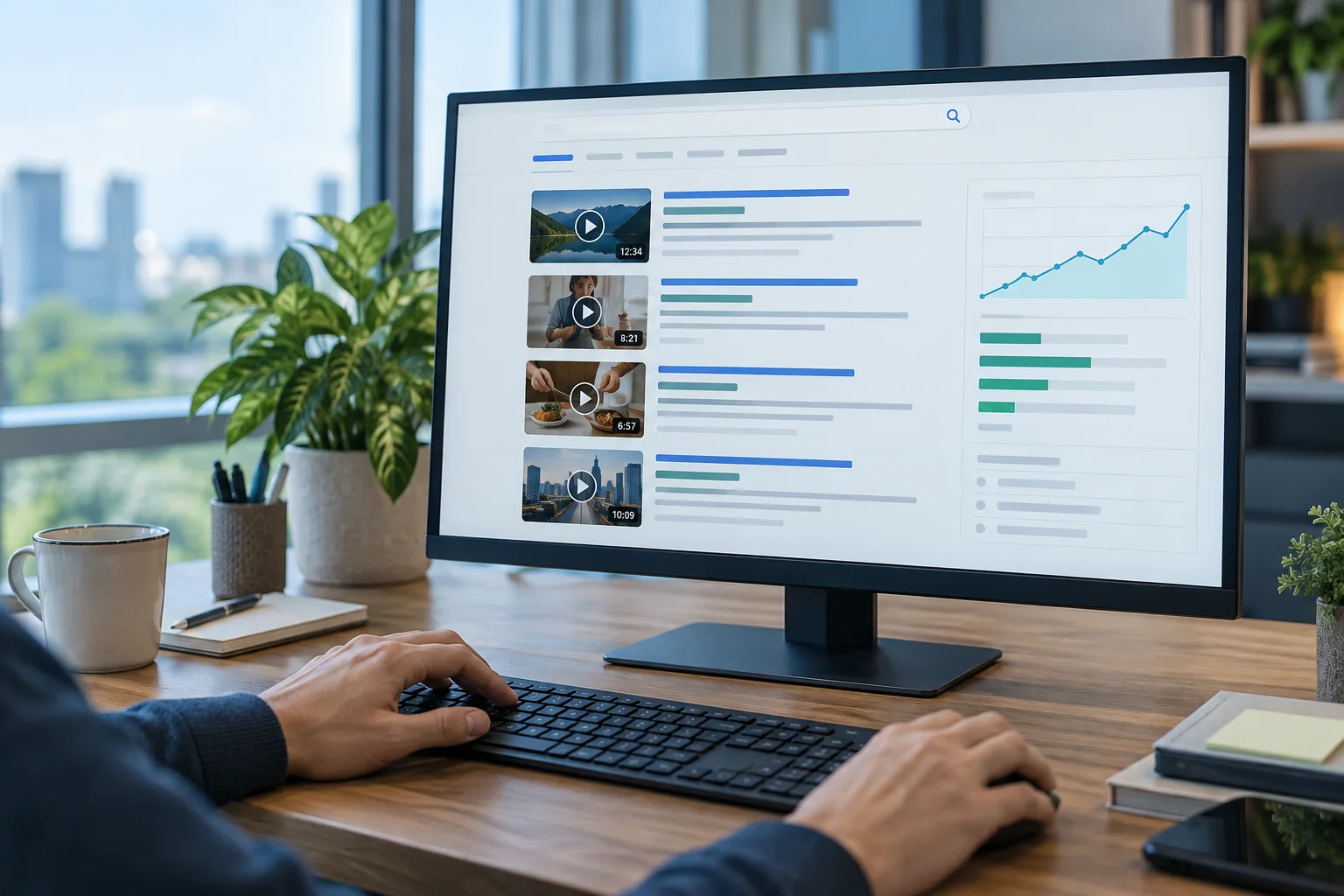
- When publishing online, consider how the finished video supports video SEO.
Final Answer
Video editing turns raw recordings into a finished sequence by selecting clips, choosing cuts, arranging a timeline, balancing audio, adding necessary supporting elements, and exporting the result. The software may be simple or advanced, and AI may perform part of the work, but the editor still decides what the viewer needs and whether the final video communicates it clearly.
Frequently Asked Questions
What is the difference between a clip and a cut? A clip is a piece of source media. A cut is the point where one shot ends and another begins in the edited sequence.
Do I need expensive software? No. Free and paid editors use the same basic concepts. Start with a tool that lets you organize clips, edit a timeline, adjust audio, and export reliably.
What should a beginner learn first? Learn to choose useful footage, make clean cuts, arrange a clear sequence, and balance dialogue. Effects can come later.
How quickly can I learn video editing? You can learn the interface and make simple cuts quickly. Strong pacing, audio work, organization, and troubleshooting improve through repeated practice.
Will AI replace editors? AI can complete more editing tasks, but a person still needs to define the goal, review the choices, correct errors, and take responsibility for the final video.