
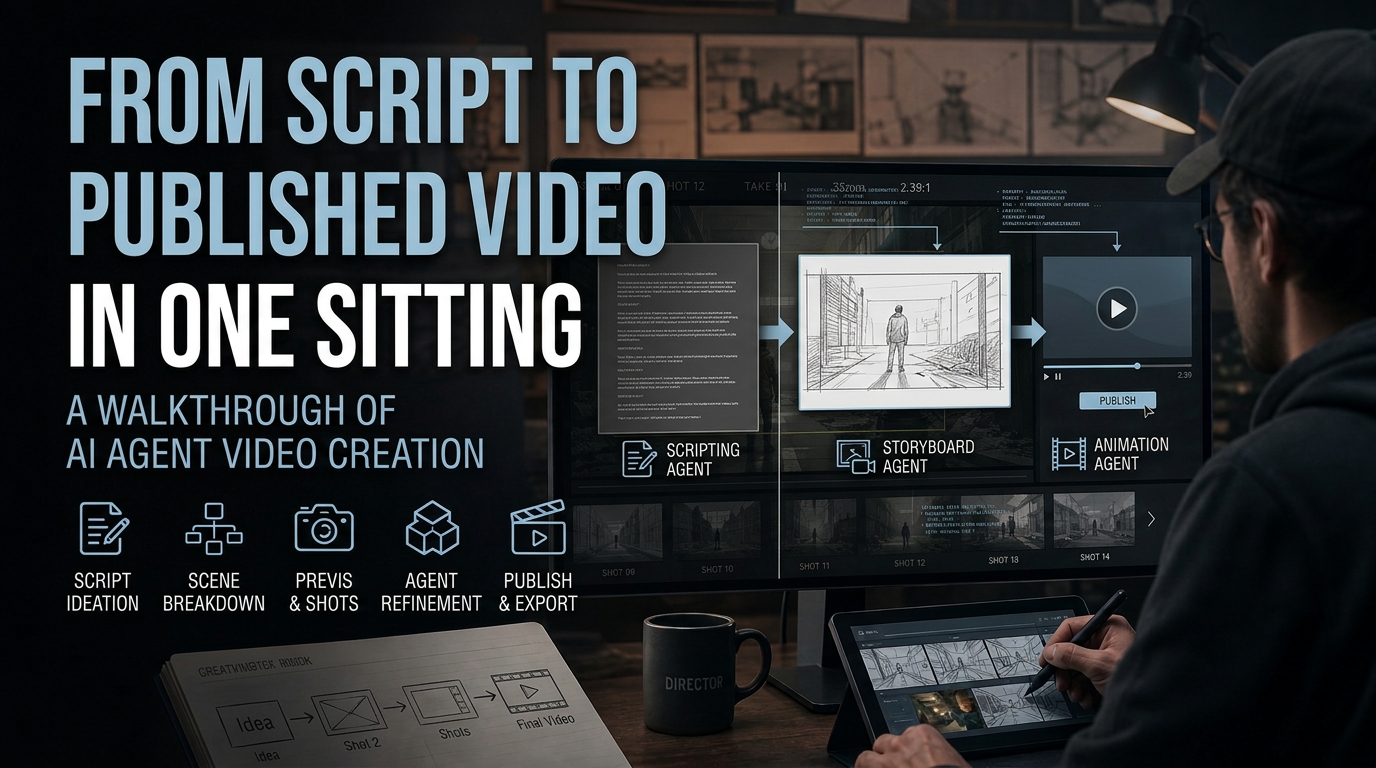
Publishing a finished video from nothing but a script in a single sitting is the aim of agentic video production: instead of handing a script to a writer, then a storyboard artist, then an editor, then a colorist in sequence, one system can carry the project from the first line of dialogue to the final export. invideo Agent is built specifically around that single-sitting workflow: writing, planning, generating, and editing a project end to end, which is the working core of what people now call AI filmmaking.
This walkthrough follows what actually happens between opening a blank project and exporting a finished cut, using the documented mechanics of how the agent handles context, generation, and editing.
What a single script-to-video sitting actually requires
A script alone isn’t enough to keep a video consistent from the first shot to the last. The underlying need is a persistent structure that separates the whole project’s world (its look, tone, characters, locations) from the individual scenes built inside that world.
invideo Agent calls these two layers context and briefs: context is the global knowledge of the entire project, and briefs are the smaller pieces built within it, scene by scene. That two-layer structure is what lets the same rule set hold on later scenes as it did on scene one, without re-briefing the project every session. That is a working definition of production memory in AI filmmaking.
Starting the project inside invideo Agent
Opening a new project in invideo Agent starts with two questions before anything else: who you are, and what role the agent should play for you. Giving it an actual job description (creative director, not a nickname) changes how it responds from the first message onward.
Existing material doesn’t need to be rewritten into prompts first. A treatment note or a pitch deck can be uploaded directly, and the agent extracts the lighting notes, shot breakdown, and stated preferences on its own.
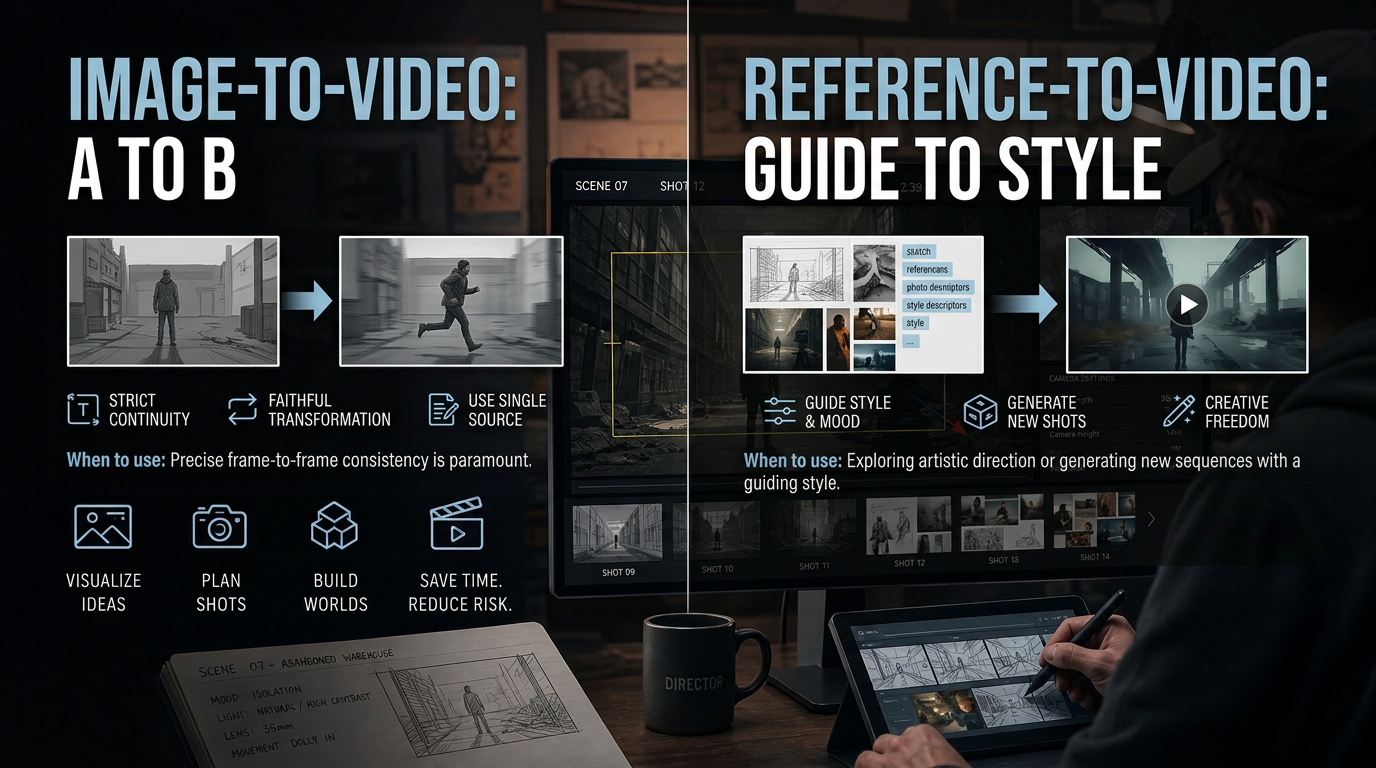
Reference images work the same way, especially when each one carries a specific note attached (“this is for the sky, not the set design”) rather than a folder of forty images dumped in with no explanation. That specificity can make the difference between a rough first pass and a more closely matched one.
Letting expert agents coordinate the crew automatically
A single-role agent (a DOP, a casting director, a costume stylist) is created with one sentence: a job description. Each one specializes the way a real crew member would, rather than one generalist juggling every department at once.
These expert agents brief each other without being asked. Starting a shot with the DOP agent can pull context from the storyboard artist, the casting director, and the costume stylist first. Adding a new agent mid-project (bringing in a VFX specialist partway through) lets it use the project context without re-explaining everything that came before.
Generating shots and catching continuity errors before they reach the timeline
Each shot begins as a text to video generation call, routed across available models without switching tools mid-project. Generation is only half the job, though; catching what slipped through is the other half, and invideo Agent can read a finished cut back against its own shot list to flag what doesn’t match.
On one documented production, dropping a rough cut into the agent surfaced two specific continuity errors on its own: a flagpole that changed position between two consecutive shots, and blood on a character’s mouth that was a visibly hotter red than the surrounding color grade. That read-and-compare behavior is a concrete, documented capability, not a hypothetical: a meaningful marker of mature AI filmmaking tooling, and one way a single sitting can move closer to a publishable cut, though a human review is still needed.
Editing the assembled cut and publishing
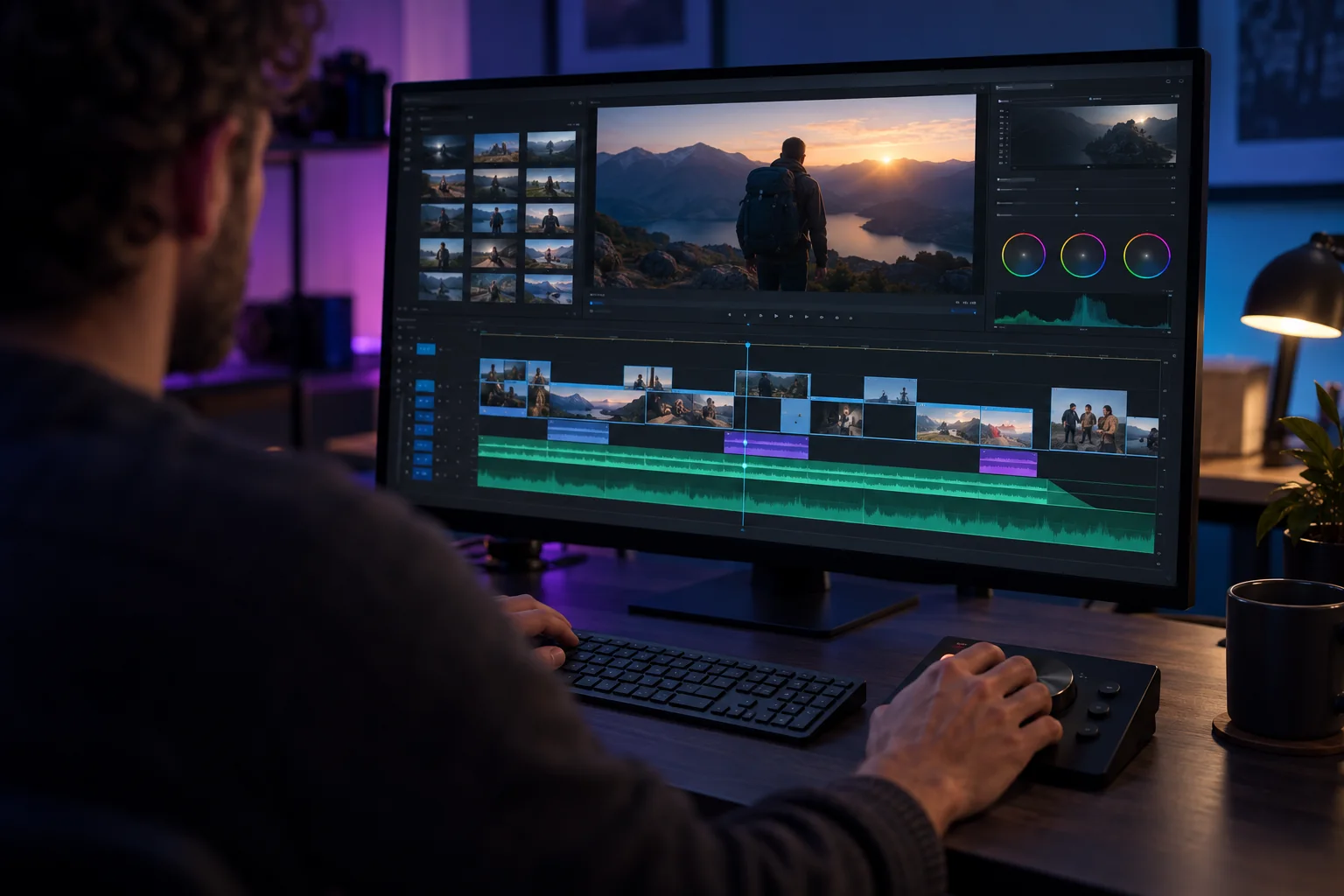
The timeline editor lives inside the same project, already populated from approved generations; the agent already knows the script and the shot breakdowns, so saying “show me a lineup” auto-assembles the approved shots into a sequence. From there, it’s a full standard toolset: blade tool, transitions, color controls, text supers, and multiple audio layers.
Editing itself stays conversational past that point. Marking a few shots on the timeline and saying “these are too cool, warm them up” applies the change directly to the marked sections, without opening a separate color panel.
Export happens straight from that same timeline, formatted for whichever platform the finished video is headed to, without necessarily requiring a separate editor. Upload the export to the destination platform, check the title, description, thumbnail, captions, and visibility settings, then play it back there.
How reliably does this actually work
In July 2026, an evaluation of seven AI filmmaking agents, the Physion-Arc benchmark, ranked Agent One (the version of invideo Agent evaluated) first overall and first on 12 of 16 individual quality metrics, with the top score in all three broader quality dimensions tested. The gap over second place was narrow, so the result should not be read as a permanent ranking.
That caveat doesn’t cancel the result, but it’s part of reading it honestly rather than citing only the headline number.
Common mistakes in a script-to-video sitting
The most common failure is treating reference uploads as a volume problem: forty or fifty images with no notes attached, hoping the agent infers intent. A handful of images, each with one specific instruction about what it’s for, can work better than a larger unannotated batch.
The second common mistake is skipping the “who am I / who are you” setup at the start of a new project. A vague or missing role description produces a generic assistant response rather than a collaborator that understands the creative brief it’s working inside.
FAQ
Do I need a finished script before starting a project?
No. Invideo Agent can extract rules directly from a treatment note or a pitch deck and build the project’s world from there, a reminder that AI filmmaking with an agent is closer to briefing a collaborator than filling out a form.
Can I still generate individual shots manually instead of letting the agent run free-flow?
Yes. A manual workspace inside the same project gives direct access to the full model library for one-off generations, and anything built there is visible to the agent the moment you switch back.
What happens if I need to add a new specialist partway through production?
The new expert agent gets briefed on the full project context automatically by the existing crew; there is no need to re-explain the story, the characters, or the look that’s already been locked.
Can edits be made without manually scrubbing the timeline?
Yes. Marking sections and describing the change in plain language (adjusting warmth, pulling down music under dialogue) applies directly to the marked portion of the cut.