

Meta keywords were once an important part of search engine optimization. Website owners added keyword lists to their HTML code, hoping search engines would use those terms to understand their pages and improve rankings. But by 2019, things had changed. Meta keywords were no longer useful for Google rankings in 2019, and they still have no ranking value in Google Search today. Google had already confirmed in 2009 that it did not use the meta keywords tag for web search rankings. So why do some websites still have a meta keywords field? Should you remove it, or is there still a reason to keep it? In this guide, we'll explain how meta keywords worked, why search engines stopped relying on them, and what you should focus on instead.
What Are Meta Keywords in SEO?
Meta keywords are HTML tags that contain words or phrases related to a webpage. They were originally used to tell search engines what a page was about. Unlike headings or paragraphs, meta keywords are not normally visible to website visitors. They appear in the page's source code. For example, a website selling running shoes might use a tag containing phrases like "running shoes," "sports footwear," and "comfortable sneakers." The idea was simple. Search engines could read those terms and use them as clues about the webpage's content. However, the system had one major weakness. Website owners could add keywords that had nothing to do with their actual content.
How Does the Meta Keywords Tag Work?
The meta keywords tag appears inside the <head> section of an HTML document. Here is an example:
<meta name="keywords" content="SEO tips, digital marketing, search rankings">Each part of this code has a purpose:
- Meta: Identifies an HTML metadata element.
- Name: Defines the type of metadata.
- Content: Contains the keyword phrases.
Search engines can read this information, but that does not mean they use it to rank pages. Google ignores the keywords meta tag when determining web search rankings. If you're wondering how many keywords belong in this field, our article about keywords in meta tags explains why the recommended number for Google SEO is zero.
Why Were Meta Keywords Already Outdated by 2019?
Meta keywords had lost their value for Google SEO long before 2019. Search engines became better at evaluating webpage content, while the tag became increasingly unreliable.
How Meta Keywords Became Popular
In the early days of search engines, understanding webpages was more difficult. Search technology was less advanced, and search engines sometimes depended on information provided directly by website owners. Meta keywords offered a simple way to describe a webpage. For example, a gardening website might include terms such as:
- Gardening tips
- Plant care
- Vegetable gardening
- Home gardening ideas
These phrases could help early search engines understand the page's subject. The problem started when website owners discovered that adding more keywords could influence some early search systems. Instead of accurately describing their content, they began filling the tag with repeated and unrelated search terms.
Why Did Google Stop Using Meta Keywords?
Google stopped relying on meta keywords because the tag was easy to manipulate. Some websites used keyword stuffing to attract search traffic for subjects they did not properly cover. For example, imagine a website that sells office chairs. Its meta keywords might contain unrelated phrases about laptops, smartphones, or popular clothing brands. The page would not necessarily contain useful information about those subjects. Its owner simply wanted more search visibility. This made the metadata unreliable. On September 21, 2009, Google publicly confirmed that its web search did not use the keywords meta tag for ranking. You can find the original explanation in Google's 2009 announcement.
What Changed by 2019?
By 2019, search engine optimization was no longer about placing keyword lists inside hidden HTML tags. Google was already using more advanced systems to understand content and evaluate search relevance. Website owners were increasingly focusing on search intent, useful content, technical SEO, and better website experiences.
Here is a simple timeline.
| Year or period | Major development |
|---|---|
| 1990s | Meta keywords became part of early SEO practices. |
| 2000s | Keyword stuffing reduced the tag's reliability. |
| 2009 | Google publicly confirmed it ignored meta keywords for web rankings. |
| 2014 | Bing described the tag as having no positive SEO ranking value. |
| 2019 | Meta keywords were already outdated for Google SEO. |
| 2026 | Google still does not use them for indexing or ranking. |
The important point is that meta keywords did not suddenly become useless in 2019. Their decline happened years earlier.
Were Meta Keywords a Google Ranking Factor in 2019?
No. Meta keywords were not a Google ranking factor in 2019. Adding relevant phrases to the tag did not help a webpage rank higher in Google's organic search results. Changing the order of those keywords did not help either. Even including a popular search phrase multiple times offered no ranking advantage. Google had already made its position clear. Instead, website owners needed to improve the information visitors actually received from their pages. This included answering search queries properly, making webpages easier to navigate, and improving the quality of the content.
Did Other Search Engines Use Meta Keywords?
Not every search engine has handled meta keywords in exactly the same way. Google and Bing have publicly stated that the tag does not provide a positive ranking benefit. Yandex, however, still documents a possible use for determining page relevance. The following table reflects their documented positions.
| Search engine | Meta keywords status | SEO recommendation |
|---|---|---|
| Not used for indexing or ranking | No need to add them | |
| Bing | No positive ranking benefit | Focus on other SEO elements |
| Yandex | May influence page relevance | Consider if targeting Yandex users |
Bing discussed the declining value of the tag in its 2014 article, Bing's historical explanation.
Yandex's current documentation also mentions that meta keywords may influence how relevant a page appears to certain queries. However, that does not mean adding keywords guarantees better rankings. For most websites targeting customers in the United States, Google-focused optimization is a more practical priority.
Do Meta Keywords Still Matter for SEO in 2026?
For Google SEO, meta keywords still do not matter in 2026. You can add them to your website's HTML, but Google will not use them to decide where your page should rank.
This is confirmed in Google's meta tag documentation. However, don't confuse meta keywords with the keywords you use to plan website content. Those are two different things. SEO keywords still help website owners identify topics people search for. They also help content creators understand what questions their pages should answer. The outdated part is the hidden HTML keyword list, not keyword research itself.
Meta Keywords vs. SEO Keywords: What's the Difference?
Meta keywords are hidden HTML metadata. SEO keywords are search terms used to plan and optimize webpage content. For example, imagine you own a website that offers car detailing services. You might research phrases such as "car detailing near me" or "interior car cleaning." These are useful SEO keyword targets because they tell you what potential customers are looking for. You can use that information to create relevant service pages and helpful articles. But placing those phrases inside a meta keywords tag will not improve Google rankings.
| Feature | Meta keywords | SEO keywords |
|---|---|---|
| Meaning | Hidden HTML keyword list | Search terms used in SEO planning |
| Main purpose | Historically described page topics | Helps identify relevant search needs |
| Visible to readers | No | Can appear in page content |
| Google ranking benefit | None from the tag | Useful when reflected in relevant content |
| Recommended use | Usually unnecessary | Important for content strategy |
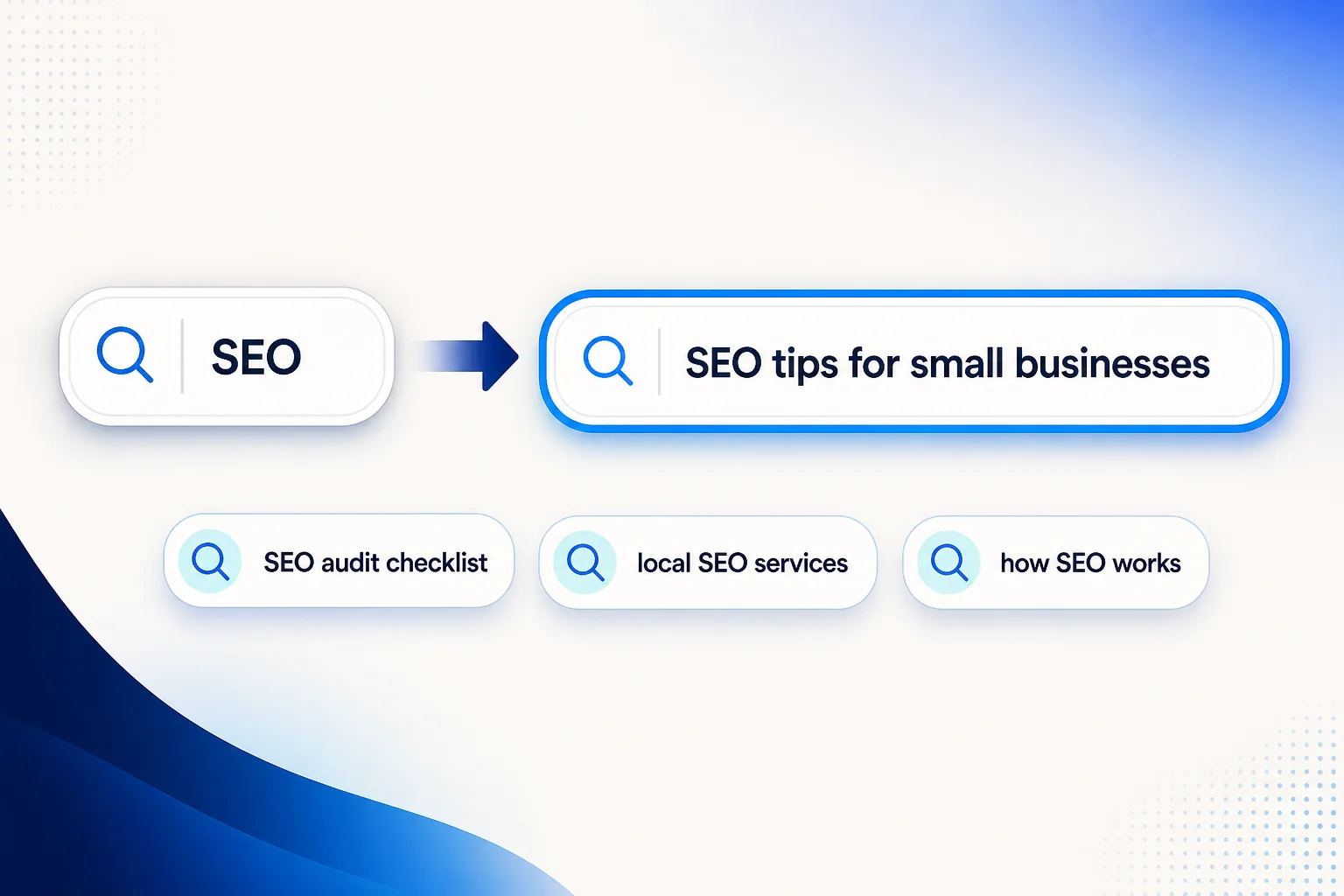
SEO keywords can also contain multiple words. For example, "SEO" is a broad keyword, while "SEO services for small businesses" describes a more specific search need. If you'd like to understand these differences further, read our SEO keyword phrase guide.
Meta Keywords vs. Meta Descriptions
Meta keywords and meta descriptions are often confused because both appear in HTML code. However, they serve different purposes. A meta keywords tag contains a list of terms. A meta description gives a short summary of a webpage. Google does not use meta keywords for rankings, but it may use the meta description to generate the text shown beneath a search result.
Example of a Meta Description
Suppose your website publishes an article about improving website speed. A meta description might look like this:
<meta name="description" content="Learn practical ways to improve website speed and create a better experience for your visitors.">This description tells readers what they can expect from the article. Google may show it in search results if it matches the user's query, although Google sometimes generates a different snippet.
Main Differences
| Feature | Meta keywords | Meta description |
|---|---|---|
| Purpose | Lists related terms | Summarizes page content |
| Google ranking factor | No | No direct ranking benefit |
| Appears in search snippets | No | Sometimes |
| Useful for SEO work | Usually no | Yes, for search presentation |
| Writing approach | Not required for Google | Clear, relevant summary |
A good meta description should sound natural. It should explain the page without repeating the same keyword unnecessarily.
Should You Remove Meta Keywords From Your Website?
You can remove meta keywords if your website no longer needs them, but there is usually no reason to treat their presence as an urgent SEO problem. Google ignores the tag, so simply having it does not automatically harm your rankings. Removing it also does not guarantee better search visibility. The decision depends on how your website is built.
When Should You Remove Meta Keywords?
Removing the tag makes sense when it serves no purpose.
For example:
- Your website uses an old SEO plugin that adds keywords automatically.
- The keyword lists are outdated or unrelated to the content.
- Your website only targets search engines that ignore the tag.
- No internal system depends on the metadata.
Cleaning up unused tags can make your website code easier to maintain.
When Might You Keep Them?
Some older content management systems or custom website tools may still use keyword metadata for internal organization. An internal search system might also rely on a keyword field.
If that applies to your website, check how the system works before removing anything. A field labeled "keywords" does not always create an HTML meta keywords tag. It may simply help organize content inside your website.
How to Check Meta Keywords on Your Website
You can check whether a webpage contains meta keywords using your browser. Follow these steps:
- Open the webpage you want to inspect.
- Right-click and select View Page Source.
- Press Ctrl + F or Command + F.
- Search for name="keywords".
- Check whether a meta keywords tag appears.
If you find one, review whether your website still needs it.
For example:
<meta name="keywords" content="SEO agency, best SEO, digital marketing, Google rankings">This tag does not help Google understand your page better for ranking purposes. You can remove it if it has no other function. For websites that generate metadata dynamically, inspecting the rendered page with browser developer tools may provide additional information.
What Should You Optimize Instead of Meta Keywords?
Instead of spending time editing hidden keyword lists, focus on the parts of your website that help readers find useful information. These improvements can contribute to a stronger SEO strategy.
1. Write Clear and Relevant Title Tags
The title tag describes the main subject of a webpage. Google may use it when creating the clickable title shown in search results. For example, a vague title such as "SEO Guide" gives readers very little information.
A more specific title would be:
"How to Improve On-Page SEO: A Beginner's Guide" The second title explains what the reader will learn. Try to make every important page title unique and relevant to its content.
2. Create Helpful Meta Descriptions
Meta descriptions should explain what readers can expect from a page. A good description gives people enough information to decide whether the result meets their needs.
For example:
"Learn how to improve on-page SEO with practical tips for page titles, headings, content, and internal links."
This is more useful than repeating the phrase "on-page SEO" several times. You can also use PixellogicIT's free meta tag generator to prepare page titles and descriptions. The generator includes an optional keywords field, but you do not need to fill it in for Google SEO.
3. Use Keywords Naturally in Your Content
Keywords still matter when they help you create relevant pages. Start with the main question your audience wants answered. If someone searches for "how to improve website speed," they probably want practical instructions. A useful article should explain what slows websites down and how to fix common problems. It should not simply repeat the same phrase throughout the content.
Use important keywords naturally in:
- Page titles
- Main headings
- Relevant subheadings
- Opening paragraphs
- Useful body content
- Descriptive internal links
Avoid putting keywords into sentences where they do not belong.
4. Understand Search Intent
Search intent is the reason someone enters a query into a search engine. For example, someone searching for "what is SEO" wants an explanation. Someone searching for "SEO agency pricing" may be comparing services before making a decision. These searches need different types of pages. Understanding that difference helps you create content that matches the reader's expectations. If you already have a list of keywords but are unsure how to use it, follow our practical keyword research workflow. It explains how to organize search terms and map them to appropriate pages.
5. Improve Internal Linking
Internal links connect related pages on the same website. They make it easier for visitors to find additional information and help search engines discover your content. For example, an article explaining SEO basics could naturally link to a more detailed guide about technical SEO. The anchor text should describe the destination clearly. Avoid adding links simply to increase their number. A useful internal link gives the reader somewhere relevant to go next.
6. Improve Website Performance and Technical SEO
Even helpful content can struggle when a website has serious technical problems. For example, important pages may be blocked from indexing, or broken links may prevent visitors from finding information. Other problems can include poor mobile usability or slow-loading pages. Review your website regularly and prioritize issues that affect accessibility, indexing, and user experience. Rather than spending time on outdated keyword tags, a proper technical review can identify problems that deserve attention.
7. Track Your SEO Results
SEO work should not end when you publish or update a webpage. You also need to understand whether your changes are helping. Google Search Console can show which pages receive clicks and impressions from Google Search. Look for changes in:
- Organic search clicks
- Search impressions
- Queries generating traffic
- Important page performance
- Search visibility over time
Don't assume every increase or decrease comes from a single change. For a better understanding of performance metrics, see our guide on reading your SEO report.
Practical Example: Old SEO vs. Modern SEO
Let's imagine you own a small digital marketing website. You want to rank for the phrase "SEO tips for beginners."
The Old Meta Keywords Approach
In the past, some website owners might have created a short article and added a keyword tag like this:
<meta name="keywords" content="SEO tips, beginner SEO, SEO ranking, Google SEO, SEO strategies">They might have assumed that listing several related phrases would help the page rank. However, the keywords tag alone does nothing for Google rankings.
A Better SEO Approach
A modern approach would start by understanding what beginners want to learn. The webpage could explain basic SEO concepts, introduce useful tools, and provide practical examples. It might use the following title:
<title>SEO Tips for Beginners: A Practical Starting Guide</title>The page could also include a clear description:
<meta name="description" content="Learn the basics of SEO with practical tips for improving website content, search visibility, and on-page optimization.">The article itself would answer common questions and link to useful related resources. There would be no need for a meta keywords tag. The difference is important. The second approach focuses on helping readers instead of relying on hidden keyword lists.
Are Meta Keywords Worth Using?
Meta keywords were once part of SEO, but their importance faded as search engines developed better ways to understand webpages. By 2019, Google had already been ignoring the tag for years. That remains true in 2026. If your website still contains meta keywords, you do not need to panic. You can remove unused tags when convenient, provided no internal system depends on them. However, improving your rankings requires more than cleaning up old HTML. Focus on helpful content, clear titles, relevant keywords, and an easy-to-use website. Pay attention to how people search and what they expect when they visit your pages. If you need support improving your website's search visibility, PixellogicIT offers professional SEO services focused on technical improvements and practical content strategies. The main takeaway is simple: SEO success comes from creating pages that meet real search needs, not from filling outdated meta tags with keywords.